

Your operating system decides which games launch, how much RAM is left for them, and whether anti-cheat lets you into a match at all. The landscape shifted hard for 2026: Windows 10 is out of support, SteamOS is expanding beyond the Steam Deck, and Linux gaming distros are genuinely good now. We ranked 12 options so you can pick the right one.
The best OS for gaming in 2026 is Windows 11 25H2 — it has the widest game compatibility, full anti-cheat support, DirectStorage, and Auto HDR. Bazzite is the best Linux gaming distro for most people, while CachyOS wins on raw performance. Windows 10 lost support in October 2025, so it's no longer a safe recommendation.
- Best OS for gaming overall: Windows 11 (25H2)
- Best Linux gaming distro: Bazzite
- Best for maximum FPS on Linux: CachyOS
- Best custom Windows build: AtlasOS
- Best for low-end PCs: CachyOS (Linux) or ReviOS / Tiny11 (Windows)
Best Gaming OS Comparison (June 2026)
| Operating System | Best For | Type | Game Compatibility | Anti-Cheat Support |
|---|---|---|---|---|
| Windows 11 (25H2) | Best overall, every game | Vanilla Windows | Highest | Full |
| Windows 10 | Legacy hardware (ESU until Oct 2026) | Vanilla Windows | Highest | Full |
| AtlasOS | Tweaked Windows performance | Custom Windows | High | Most games |
| ReviOS | Stability-focused debloat | Custom Windows | High | Most games |
| Tiny11 | Very old / low-spec hardware | Custom Windows | High | Most games |
| SteamOS | Steam Deck, Legion Go S, Steam Machine | Linux (Arch) | High via Proton | Partial |
| Bazzite | Console-like Linux desktop/HTPC | Linux (Fedora Atomic) | High via Proton | Partial |
| CachyOS | Maximum Linux FPS | Linux (Arch) | High via Proton | Partial |
| Nobara | Linux gaming + streaming/creation | Linux (Fedora) | High via Proton | Partial |
| Pop!_OS | General desktop + gaming | Linux (Ubuntu) | High via Proton | Partial |
| Ubuntu | General-purpose Linux | Linux | Medium-high via Proton | Partial |
| macOS | Mac owners only | macOS | Low-medium | Limited |
Windows 11 — Best OS for Gaming Overall
Windows 11, currently on version 25H2, is the best operating system for gaming in 2026. Every PC game targets Windows first, every anti-cheat system works, and GPU drivers from NVIDIA, AMD, and Intel land here on day one. No other OS matches that compatibility.
It also has gaming features the alternatives lack. DirectStorage cuts load times on NVMe SSDs, Auto HDR upgrades SDR games on HDR displays, and the June 2026 update began rolling out Xbox full-screen experience — a leaner gaming shell from Windows handhelds that suspends background processes. The 25H2 scheduler also handles Intel hybrid P-core/E-core CPUs better than Windows 10 ever did.
The downside is bloat: Copilot, widgets, telemetry, and OneDrive prompts. You can strip most of it with a debloat tool and a clean GPU driver install — and if performance still feels off afterwards, our guide to fixing game stutters covers the usual culprits.
Pros:
- Highest game and anti-cheat compatibility of any OS
- DirectStorage, Auto HDR, and Xbox full-screen experience
- Day-one GPU driver and game support
Cons:
- Ships with bloatware, ads, and telemetry that need manual cleanup
- TPM 2.0 and CPU requirements lock out many pre-2018 PCs
Windows 10 — End of Support, Use With Caution
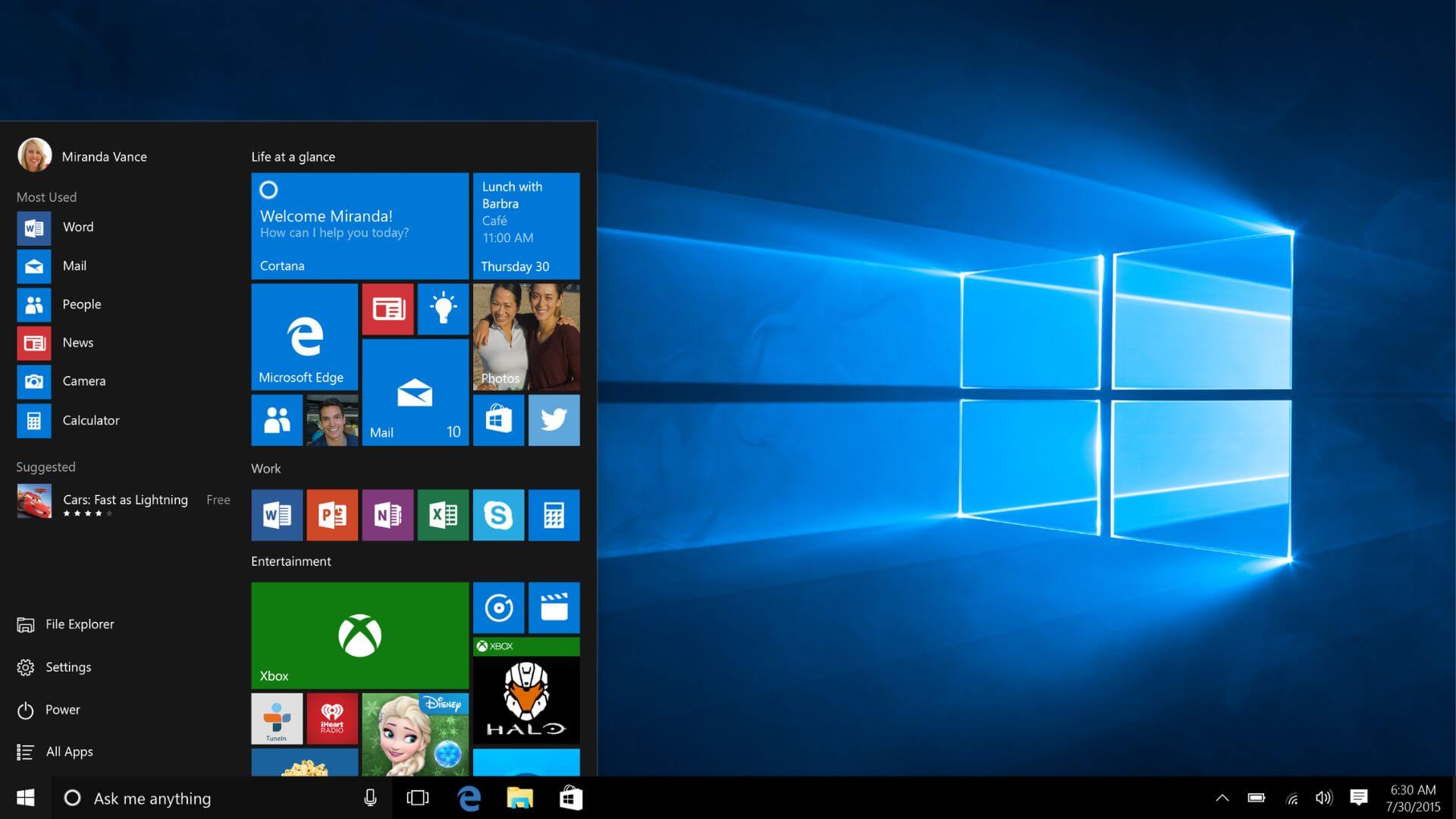
Windows 10 reached end of support on 14 October 2025. Microsoft no longer ships feature updates or standard security patches. Games still run fine today — compatibility is identical to Windows 11 for almost everything — but running an unpatched OS online is a real risk.
The consumer Extended Security Updates (ESU) program is the only safety net. Enrolment costs $30 USD, 1,000 Microsoft Rewards points, or is free if you sync your PC settings, and it delivers critical security patches until 13 October 2026. That is four months away, so treat Windows 10 as a transition OS, not a destination.
Pros:
- Same game and anti-cheat compatibility as Windows 11
- Runs on older hardware that fails Windows 11's TPM 2.0 check
- Slightly lower idle RAM usage than Windows 11
Cons:
- No security updates without ESU, and ESU ends October 2026
- No DirectStorage GPU decompression or new gaming features
Custom Windows Builds for Gaming (AtlasOS, ReviOS, Tiny11)
Custom Windows builds strip out telemetry, background services, and bundled apps to free up RAM and reduce input latency. They mainly help low-end and mid-range PCs — on a modern high-end system, FPS gains over a clean Windows 11 install are small. They are also community projects, not Microsoft products, so understand the trade-offs before installing one.
AtlasOS
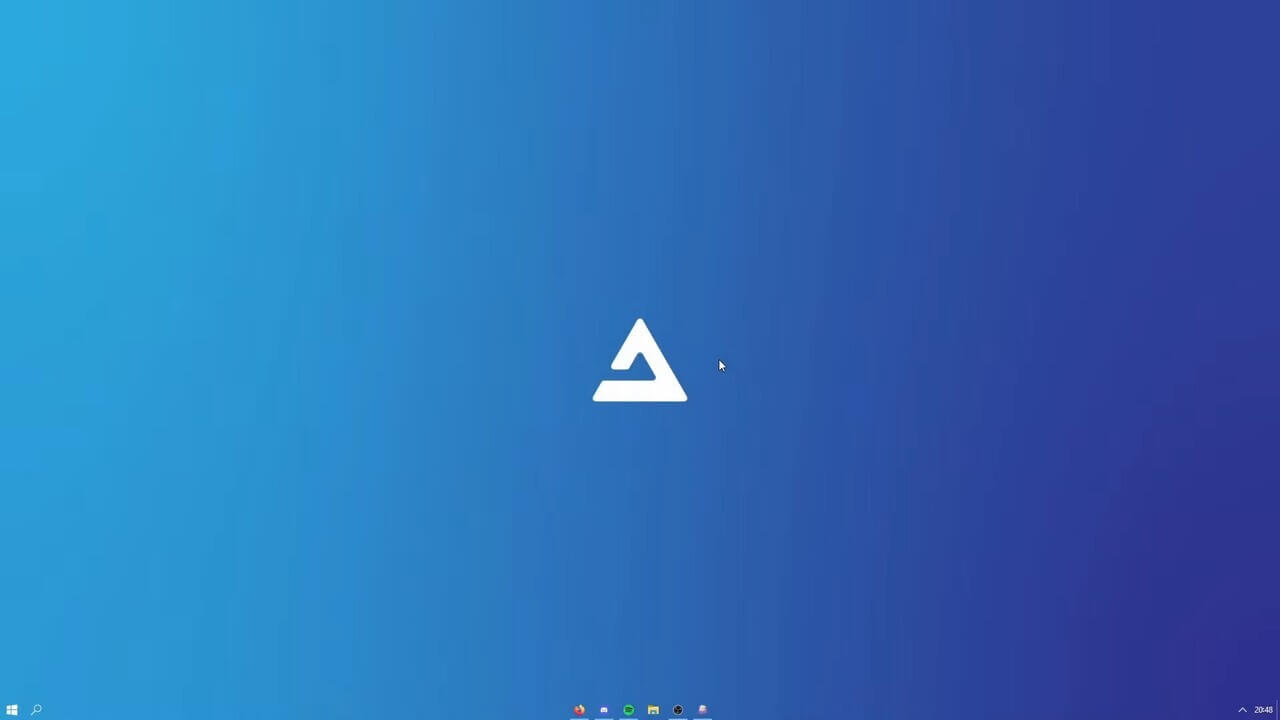
AtlasOS is the best custom Windows build in 2026. It is not an ISO download — it's an open-source (GPL-3.0) "playbook" applied over a clean Windows 11 install, which means Windows Update keeps working and you keep receiving security patches. During setup it asks which protections to disable (Defender, core isolation, CPU mitigations) and explains the risk of each, rather than silently turning them off.
ReviOS
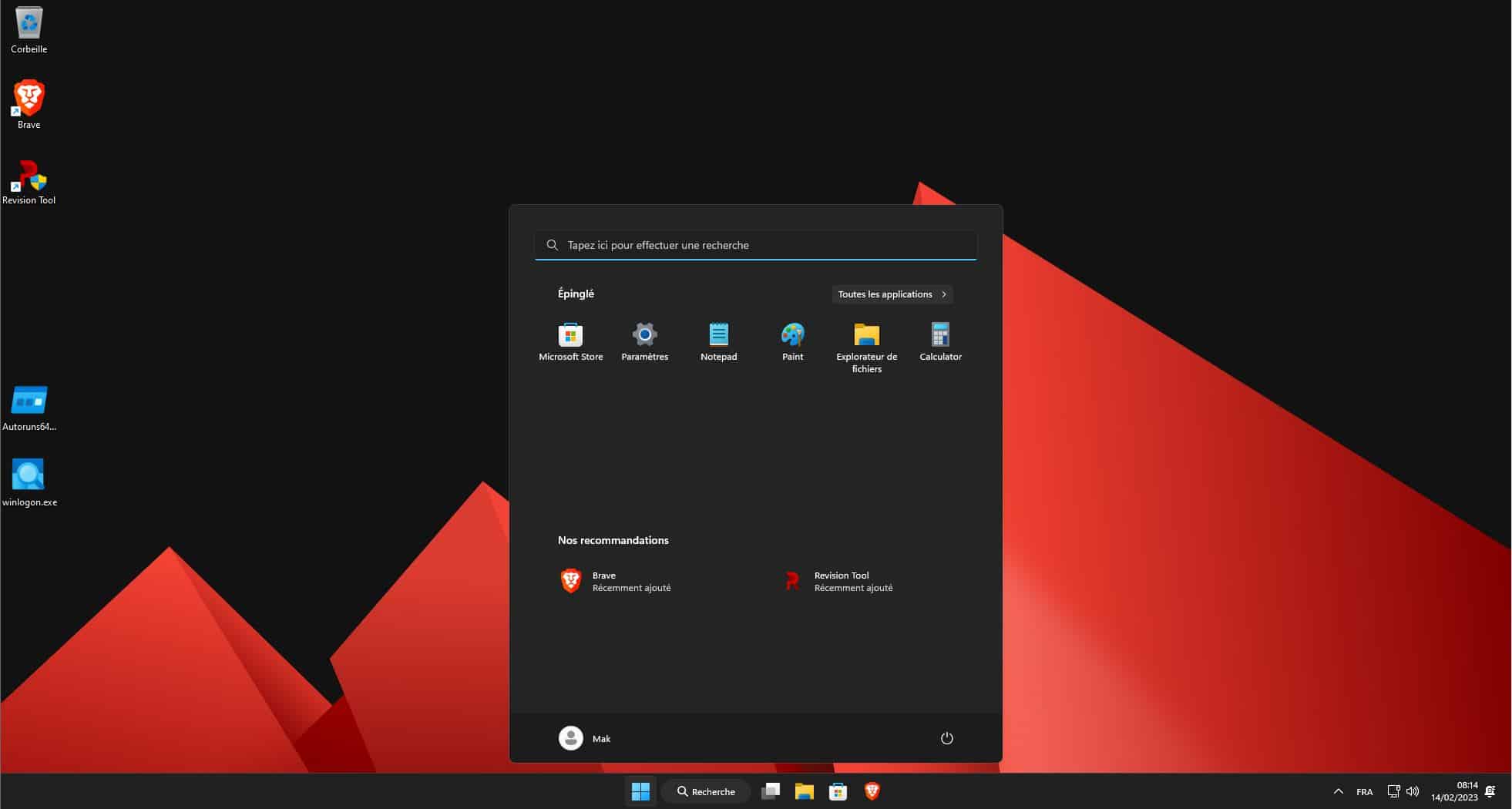
ReviOS takes a more conservative approach than Atlas, prioritising stability and compatibility over maximum debloat. It removes telemetry, UWP apps, and redundant background services while keeping more of Windows intact, which makes it the safer pick if you also use your PC for school or work. Framerate consistency — fewer FPS dips — is its main gaming benefit.
Tiny11
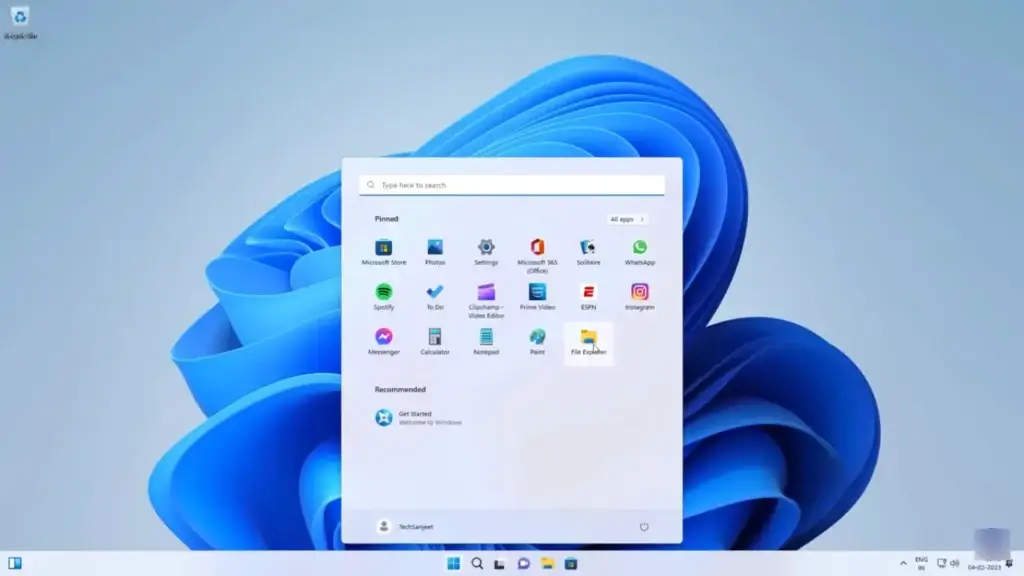
Tiny11 is a stripped-down Windows 11 image that installs in roughly 8 GB instead of 20+ GB and skips the TPM 2.0 and CPU checks. That makes it popular for reviving old PCs that Microsoft won't officially support. The trade-off is the most aggressive feature removal of the three, which can break Windows Update components and future feature upgrades.
The honest caveats for all three: debloated builds can disable security features that stock Windows enables by default, a handful of kernel-level anti-cheats may flag modified system components, and you depend on a volunteer team for fixes. Only download from each project's official site — modified Windows ISOs from random sources are a common malware vector. Avoid custom builds entirely on a PC used for banking or work.
SteamOS
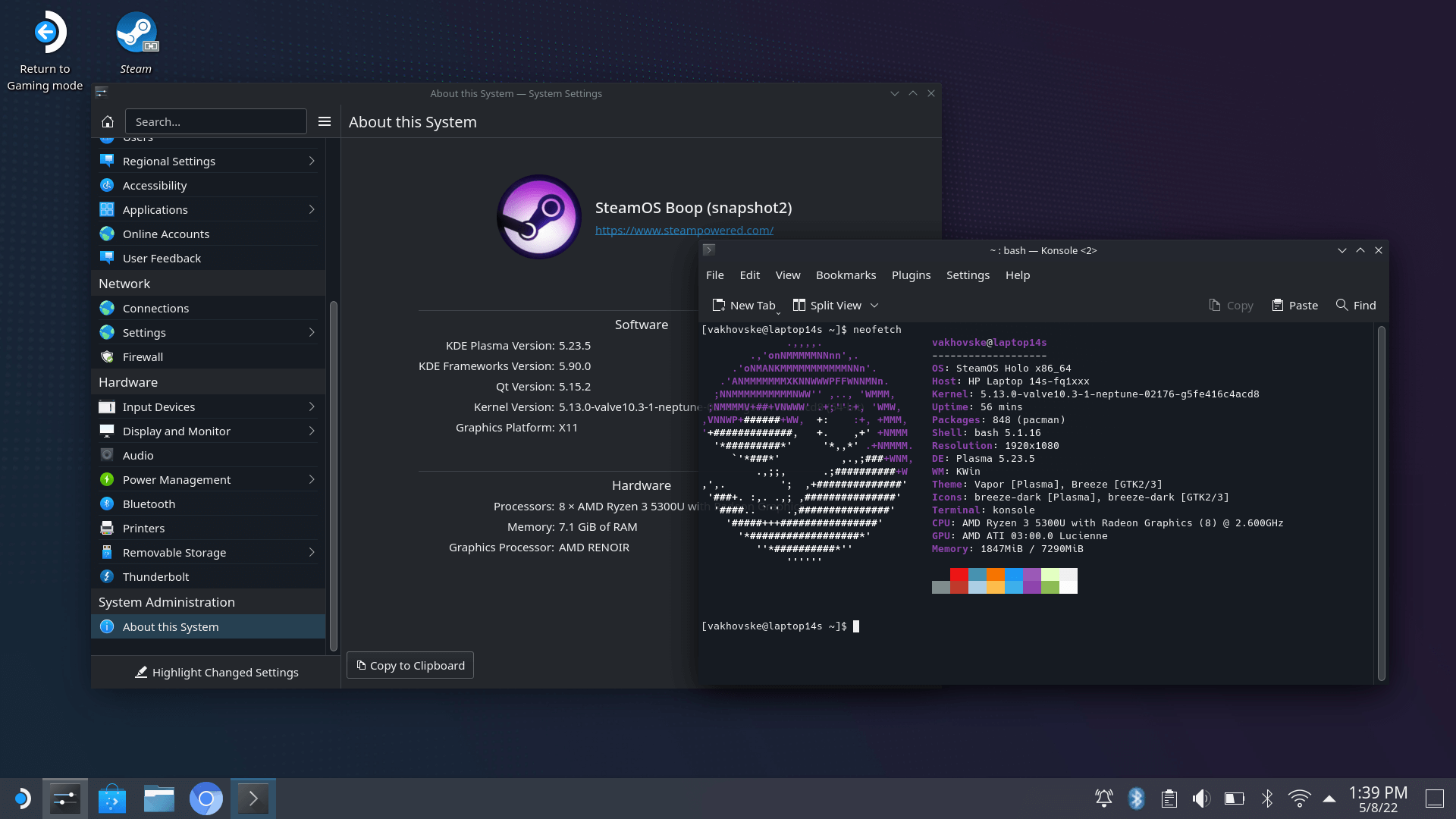
SteamOS 3 is Valve's Arch-based Linux OS with the Steam Deck's console-style interface. In 2026 it officially ships on the Steam Deck and the Lenovo Legion Go S, Valve has extended support across AMD-powered handhelds, and the SteamOS-powered Steam Machine is confirmed for release in summer 2026.
The catch for desktop PC builders: as of June 2026 there is still no official general-purpose SteamOS installer for any PC. Valve's recovery image targets its own hardware, and NVIDIA GPUs remain unsupported. If you want the SteamOS experience on a normal desktop today, install Bazzite instead.
Pros:
- Polished console-like experience with excellent Proton integration
- Official Valve support on Deck, Legion Go S, and the upcoming Steam Machine
Cons:
- No official installer for generic desktop PCs yet
- No NVIDIA support; kernel-level anti-cheat games don't run
Bazzite — Best Linux Gaming Distro
Bazzite is what we recommend to anyone leaving Windows for gaming in 2026. Built on Fedora Atomic, it is immutable — the core system is read-only and updates apply as complete images — so a bad update or wrong command can't break your install. It ships Steam, Proton, GPU drivers (including dedicated NVIDIA images), and HDR/VRR support out of the box.
It also offers a SteamOS-style console mode, making it the de facto SteamOS for desktops and home theatre PCs. In LTT Labs' 2026 Linux gaming distro testing it was one of the two recommended picks alongside CachyOS. For newcomers who just want games to work, it is the easiest serious option.
Pros:
- Immutable base means updates can't brick the system
- Everything for gaming preinstalled, including NVIDIA driver images
- Optional Steam Deck-style console interface
Cons:
- Immutable design makes deep system tweaking harder
- Larger updates than traditional distros
CachyOS — Best for Maximum FPS
CachyOS is the performance pick. It's an Arch-based rolling release with custom-optimised kernels and packages compiled for modern CPU instruction sets, and it consistently topped independent 2026 distro benchmarks — particularly on AMD hardware. Keep expectations realistic though: testing typically shows distro-to-distro differences of around 5–10 FPS.
Being Arch-based, you get the newest kernels, Mesa drivers, and Proton builds days after release. The flip side is a rolling release needs occasional maintenance, so it suits tinkerers more than set-and-forget users.
Pros:
- Fastest out-of-the-box Linux gaming performance in 2026 testing
- Cutting-edge kernels and drivers, ideal for new GPUs
Cons:
- Rolling release requires more user attention than Bazzite or Nobara
- Steeper learning curve for Linux newcomers
Nobara
Nobara is a Fedora-based distro maintained by GloriousEggroll, the developer behind the popular Proton-GE compatibility builds. It ships NVIDIA drivers, media codecs, Wine dependencies, and a pre-tuned OBS Studio, making it the strongest pick if you stream or edit videos as well as game.
It sits between Bazzite and CachyOS: ready to go out of the box, but a traditional, fully tweakable system rather than an immutable one.
Pros:
- Maintained by the Proton-GE developer with gaming fixes built in
- Excellent for game streaming and content creation
Cons:
- Smaller team than Fedora or Ubuntu proper
- Major version upgrades occasionally need manual steps
Pop!_OS
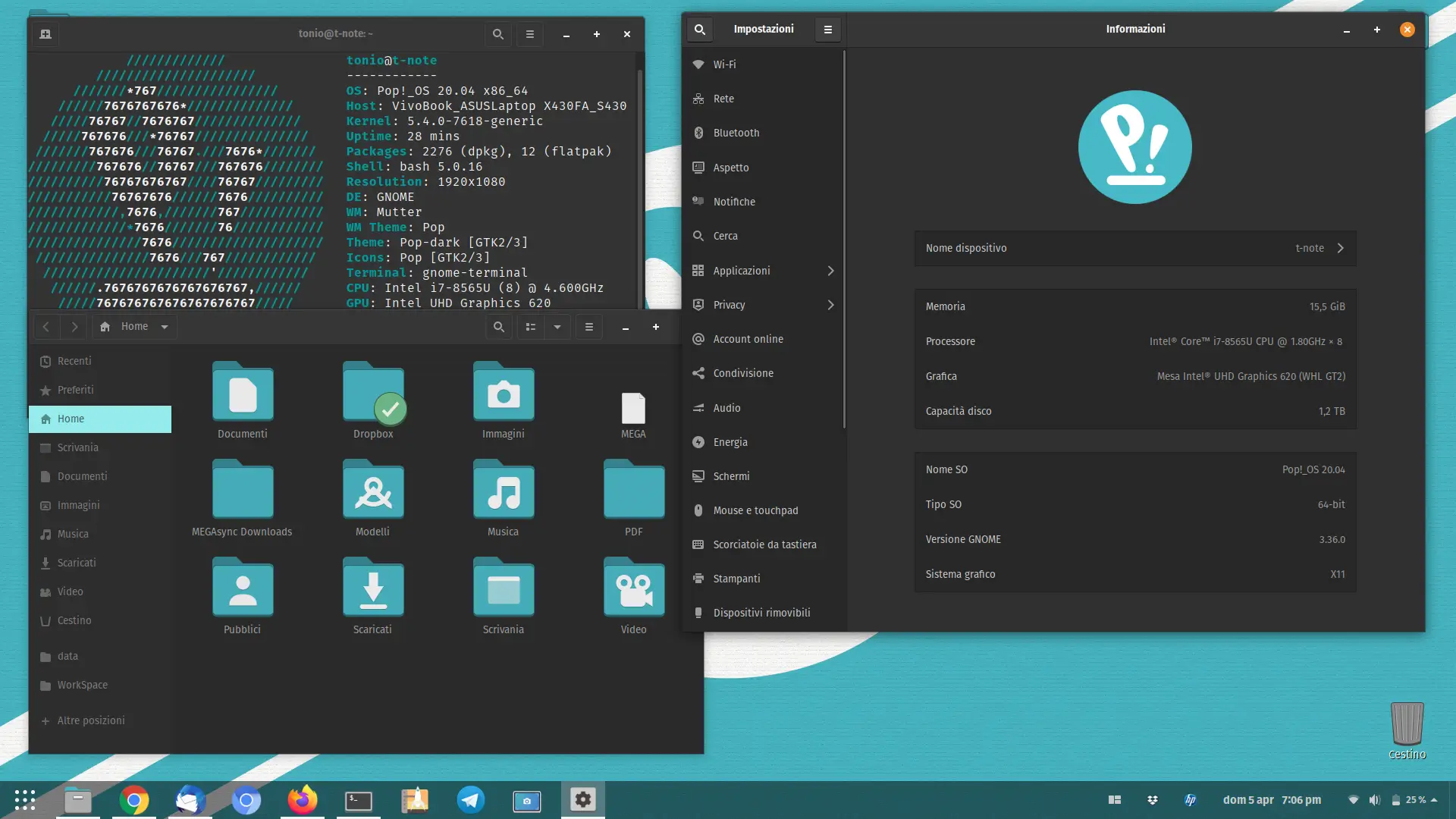
Pop!_OS 24.04 LTS shipped in December 2025 with COSMIC, System76's new Rust-based desktop environment. It remains a solid hybrid choice — easy NVIDIA driver handling, sensible defaults, and a stable Ubuntu LTS base for everyday work plus gaming.
For pure gaming it has lost its lead, though. COSMIC still has rough edges as it matures, and Bazzite, CachyOS, and Nobara all ship newer gaming stacks. Pick Pop!_OS if you want one OS for work first and games second.
Pros:
- Painless NVIDIA driver installation and solid LTS stability
- Great as a daily-driver desktop that also games well
Cons:
- New COSMIC desktop still maturing
- Gaming-focused distros ship newer kernels, Mesa, and Proton
Ubuntu
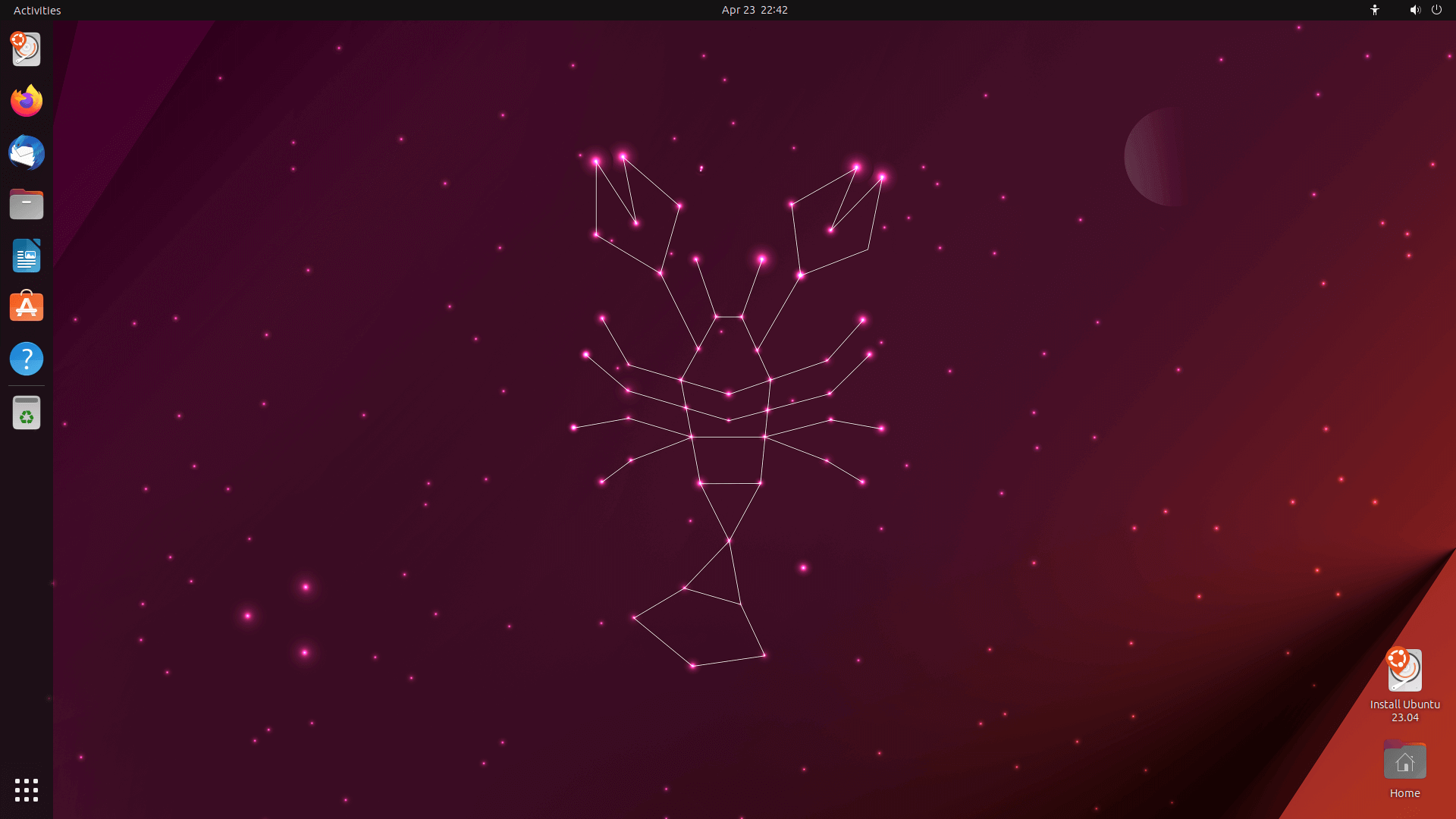
Ubuntu remains the most widely supported Linux distro, and Steam plus Proton works well on it. Its huge community means almost every problem already has an answer, and its LTS releases are extremely stable — it's also the standard OS for game servers, as covered in our VPS for gaming guide.
As a gaming desktop, however, it lags the dedicated distros: older kernels and Mesa drivers in LTS releases mean new GPUs and games sometimes need PPAs or workarounds that Bazzite and CachyOS handle automatically.
Pros:
- Massive community support and software compatibility
- Rock-solid LTS base
Cons:
- Older graphics stack than gaming-focused distros
- Needs manual setup (drivers, GameMode, Proton-GE) to match them
macOS
macOS is the only option for Mac owners, and it's better than its reputation suggests in 2026 — though still far behind Windows and Linux. Apple's Game Porting Toolkit and CrossOver can translate many Windows games to Metal on Apple Silicon, and more AAA titles now ship native Mac versions.
The library remains a fraction of what Windows offers, most multiplayer anti-cheat titles don't run, and you can't upgrade the GPU. Buy a Mac for work that also plays some games — never as a gaming-first machine.
Pros:
- Game Porting Toolkit and CrossOver run a growing set of Windows games
- Excellent performance-per-watt on Apple Silicon
Cons:
- Small native library and minimal anti-cheat support
- No GPU upgrades possible
Linux Gaming and Anti-Cheat in 2026
Linux gaming is no longer niche: Linux hovered around 4–5% of the Steam Hardware Survey through 2026, hitting a record 5.33% in March, and Proton runs the large majority of the Steam catalogue. Check any specific game's status on ProtonDB before switching.
Anti-cheat is the one real blocker left. Easy Anti-Cheat and BattlEye both support Proton, but each developer must opt in — and the biggest holdouts haven't. Fortnite, Valorant and League of Legends (Riot Vanguard), and Destiny 2 still do not run on Linux as of June 2026. The GamingOnLinux anti-cheat compatibility list tracks the current status of every major title.
If your main games are on that blocked list, stay on Windows 11. If they aren't, a Linux gaming distro is a fully viable — and free — alternative in 2026.
Best OS for a Low-End Gaming PC
For a low-end or older gaming PC, the right OS depends on whether your games need Windows:
- CachyOS or Bazzite (free, recommended): A lightweight Linux distro is the safest choice for hardware that fails Windows 11's TPM 2.0 check, because you keep receiving security updates forever. CachyOS's optimised packages make the most of weak CPUs.
- ReviOS: The best debloated Windows option for low-end machines that must run Windows-only or anti-cheat games. Lower idle RAM and fewer background services mean fewer FPS dips.
- Tiny11: The pick for very old PCs, since it bypasses Windows 11's hardware checks and installs in about 8 GB. Accept the security caveats covered above.
- Avoid unpatched Windows 10: Without ESU it receives no security fixes, and ESU itself ends in October 2026.
Pair any of these with lighter titles and you'll have a smooth experience — see our list of PC games for beginners for games that run well on modest hardware.
Best Windows OS for Gaming (Windows 10 vs Windows 11)
In 2026 this question finally has a one-word answer: Windows 11. It gets DirectStorage, Auto HDR, the new Xbox full-screen experience, a better hybrid-CPU scheduler, and — decisively — ongoing security updates. Windows 10's only remaining role is on hardware that can't upgrade, and even its paid ESU lifeline ends on 13 October 2026.
If stock Windows 11 feels heavy, don't downgrade to Windows 10 — debloat Windows 11 instead, either manually or with AtlasOS. You keep full game and anti-cheat compatibility while clawing back the RAM and background CPU time that the default install wastes.
Verdict: Which Gaming OS Should You Install?
Install Windows 11 25H2 if you play anything with kernel-level anti-cheat or just want everything to work — it is the best OS for gaming, full stop. Choose Bazzite if you're done with Microsoft and want a console-like free OS, or CachyOS if you want to squeeze out every frame on Linux. Reach for AtlasOS or ReviOS only when you understand the security trade-offs and need the extra headroom on weaker hardware.