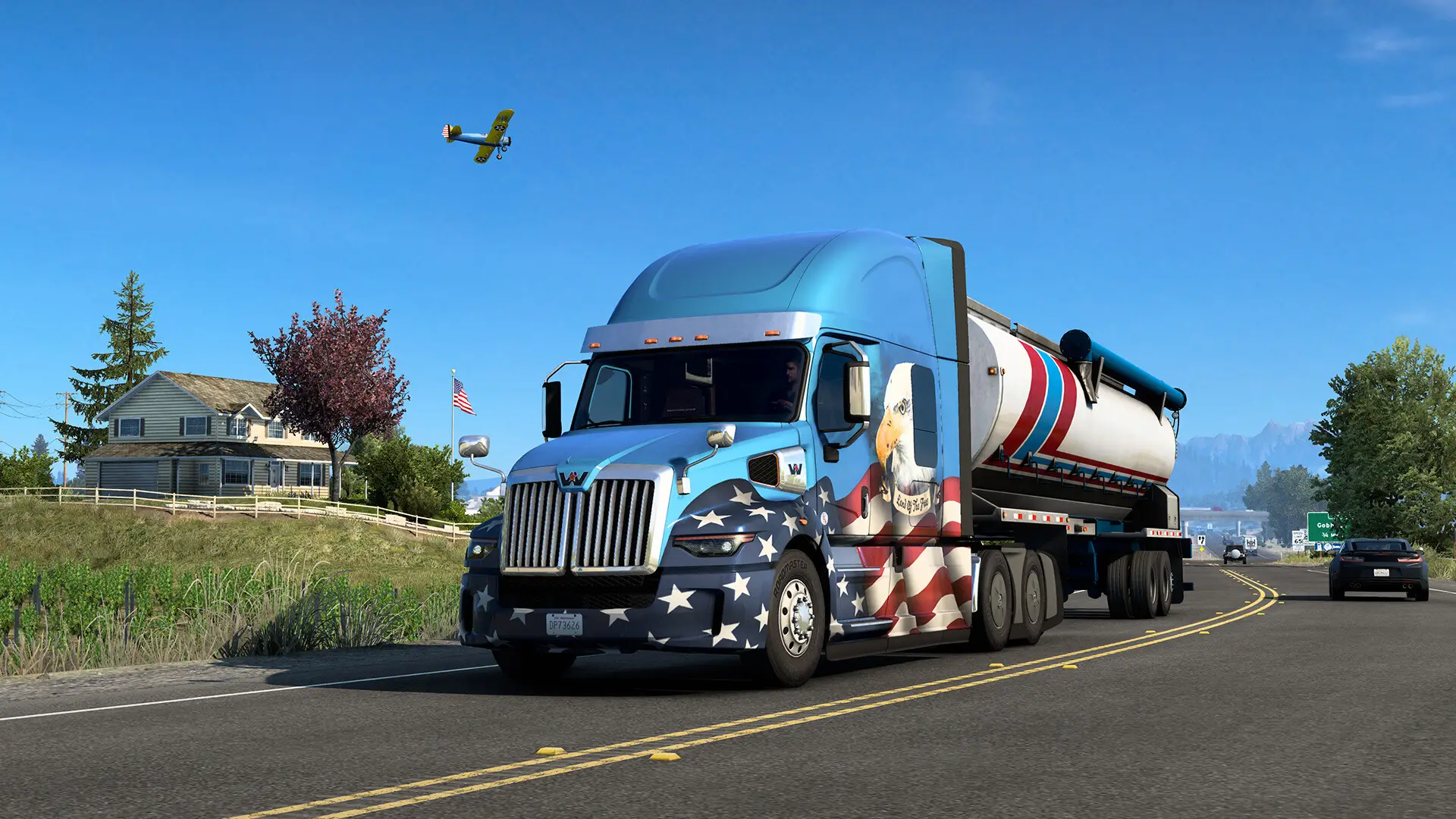
In this guide, we will show you how you can add moderators to your American Truck Simulator server. For this, you will need the SteamID64 of the players you want to make mods.
Adding Moderators in American Truck Simulator
- Log in to the GhostCap Panel and select your server.
- In the sidebar, go to
Server Options. - Find
Moderatorsand add the SteamID64 of the player you want to be a mod. - Restart your server.
You can also add multiple moderator SteamID64s by separating them with a comma like this:
76561198012345678,745611980123454432