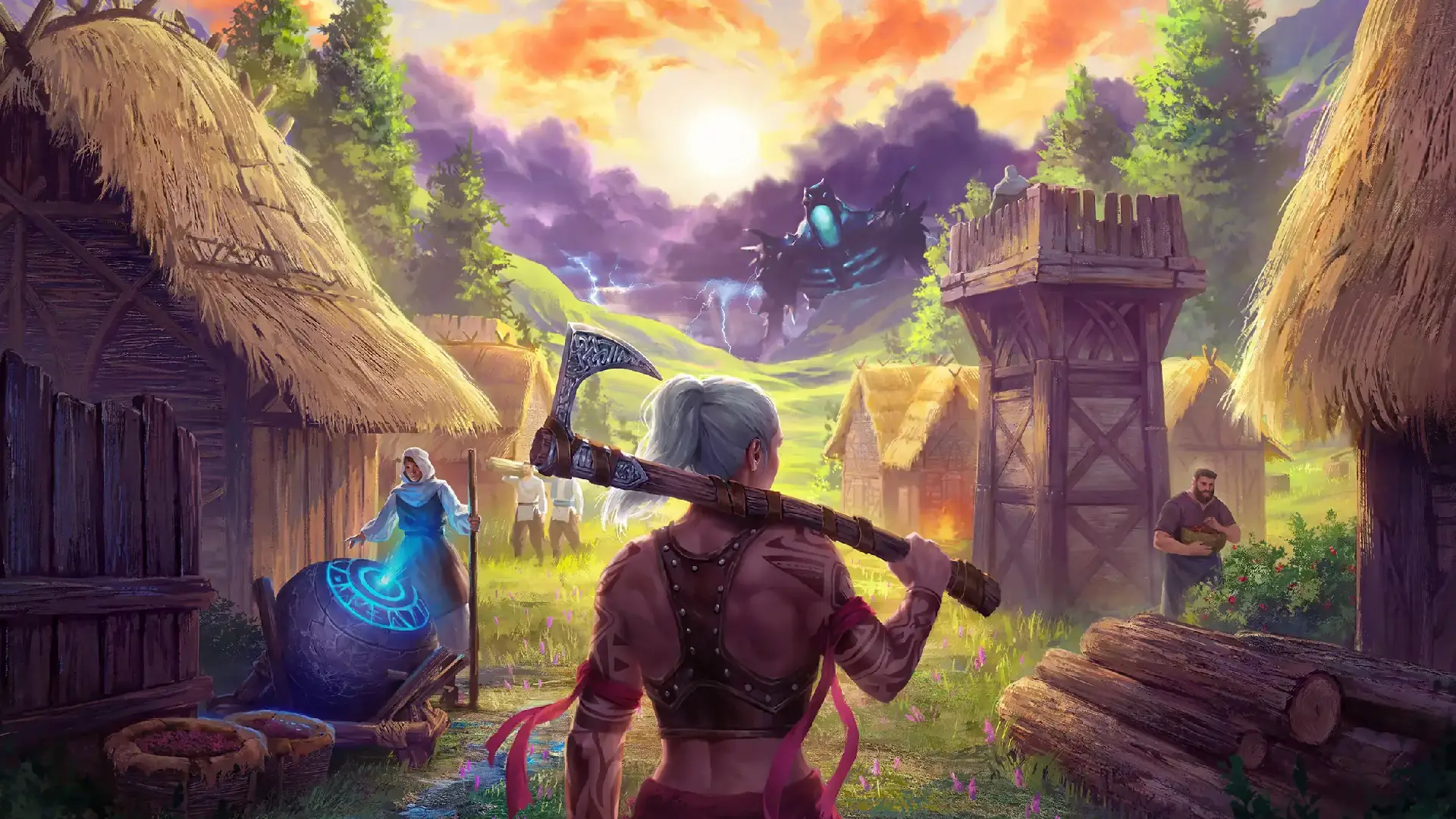
In this guide, we will show you how to edit every setting on your ASKA server.
ASKA has two types of settings: some are normal and can be edited freely, while enabling others requires an additional step. This guide covers everything you need to know about ASKA server settings.
Basic Configuration of Your ASKA Server
We've integrated basic ASKA settings into our game panel, allowing you to do basic customization of your server quickly and easily. This covers Server Name, Password, Region, and more. For in-depth gameplay configuration, follow the steps found below.
- In the GhostCap Panel select your server and
stopit. - In the sidebar, go to
Server Options. - Edit the setting you want to change.
- Start your server.
Some ASKA settings require your server gameplay mode to be custom. This can be changed in the config.txt file, set mode to mode=custom. See our Change Gameplay Mode guide for more details.
Detailed Configuration
These steps will walk you through how to edit your config.txt file. This file contains the gameplay settings for your server.
- In the GhostCap Panel select your server and
stopit. - In the sidebar, click
File Manager. - Open
config.txt. - Edit the setting you want to change.
- Start your server.
Normal Settings
| Setting Name | Possible Values | Description |
|---|---|---|
| display name | Any string | The name displayed in the session list for new saves, uses the save name for old saves. |
| keep server world alive | true, false | Toggles autopause when no players are connected. |
| password | Any string | The session password. |
| mode | normal, custom | The gameplay mode. Use custom to enable additional customization options. |
| region | default, asia, japan, europe, south america, south korea, usa east, usa west, australia, canada east, hong kong, india, turkey, uae, usa south central | The hosting region. Use default for best ping. |
| save id | Any alphanumeric string | The ID used to load an existing save file. |
| seed | Any alphanumeric string | The world generation seed. |
| server name | Any string | The host name displayed in the session list. |
Custom Settings
These ASKA settings require your server gameplay mode to be custom. This can be changed in the config.txt file.
| Setting Name | Possible Values | Description |
|---|---|---|
| bear population | low, medium, high | The population of bears. |
| day length | minimum, reduced, default, extended, maximum | The length of in-game days. |
| invasion difficulty | off, easy, normal, hard | The difficulty of invasions. |
| herbivore population | low, medium, high | The population of herbivores. |
| monster density | off, low, medium, high | The density of monsters in the world. |
| monster population | low, medium, high | The overall monster population. |
| precipitation | 0 (sunny) to 6 (soggy) | The level of precipitation. (Rain Level) |
| starting season | spring, summer, autumn, winter | The season in which the game starts. |
| structure decay | low, medium, high | The rate at which structures decay. |
| terrain aspect | smooth, normal, rocky | The terrain roughness. |
| terrain height | flat, normal, varied | The terrain height. |
| wulfar population | low, medium, high | The population of Wulfar NPCs. |
| year length | minimum, reduced, default, extended, maximum | The length of the in-game year. |