

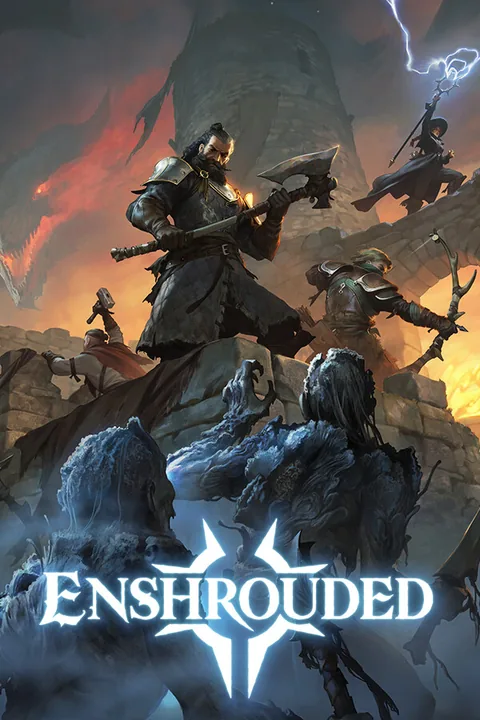
This guide will show you how to change your server name on your Enshrouded server, also referred to as a hostname. This is what players see in the server browser.
Changing Your Enshrouded Server Name
- Log in to the GhostCap Panel and select your Enshrouded server.
- Open
Settings. - Find the
Server Namesetting and enter your desired server name. - Click
Save & restartto apply your changes.
Note
This setting will override anything you have manually set inside of enshrouded_server.json.
If you get stuck at any time, you can reach out to us on Discord.