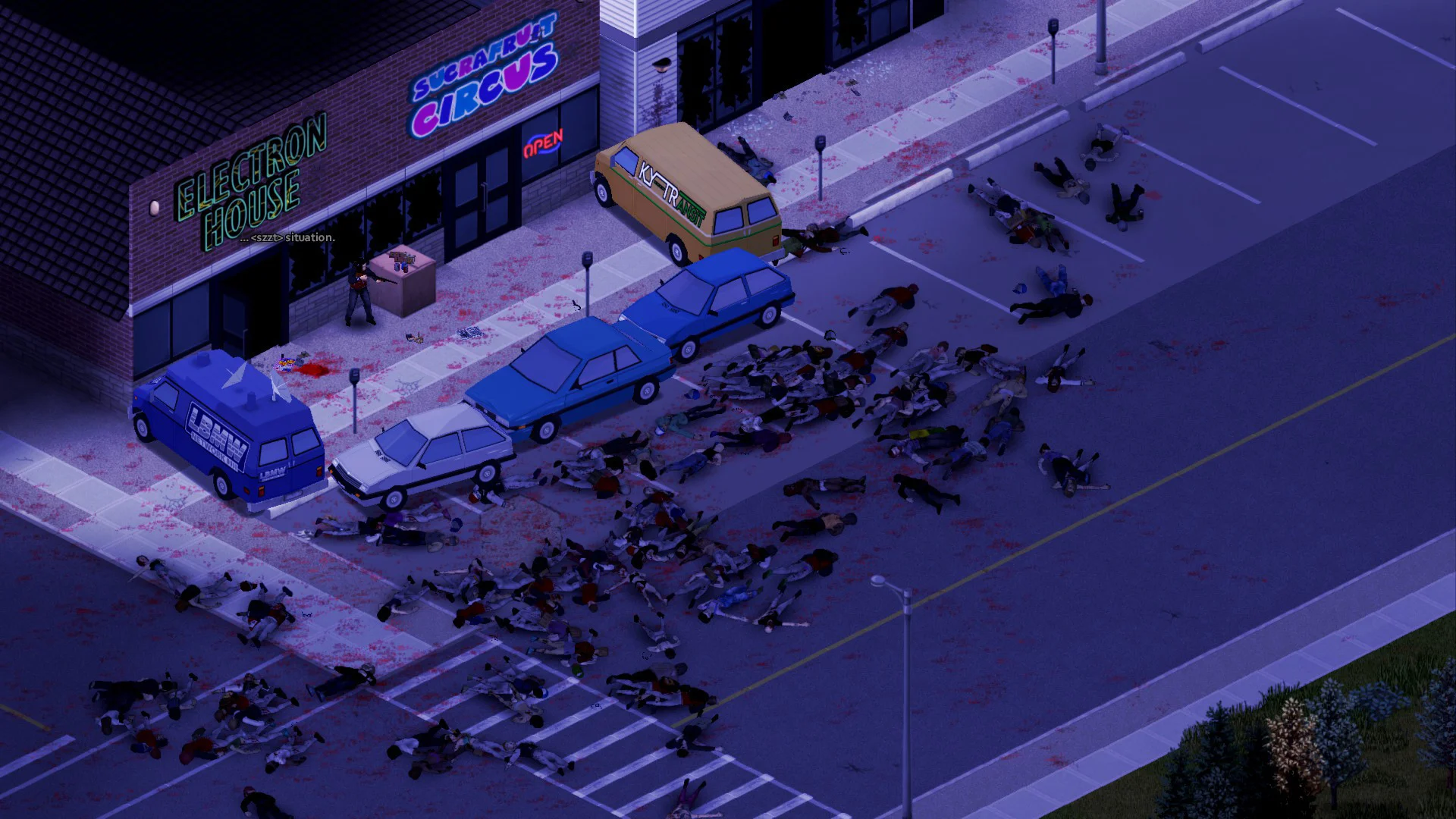
Some Project Zomboid mods may fail to load on Linux servers due to case sensitivity differences between Windows and Linux file systems. On Windows, TestingHi.png and testinghi.png are treated as the same file, but on Linux they are not. Most mod authors develop on Windows and may not be aware of this issue, which can cause mods to break on dedicated Project Zomboid servers. This issue has become much more prevalent since the release of B42 multiplayer.
Error Identification
If your server is affected by this issue and you can confirm that all your mods are up-to-date and compatible together, you will typically see the following error in your server console:
zombie.world.WorldDictionaryException: World loading could not proceed, there are script load errors...
Paired with a FileNotFoundException referencing a mod file path with incorrect casing earlier in the log:
java.io.FileNotFoundException: /mods/.../media/scripts/modname_items.txt (No such file or directory)
Solution
GhostCap has built an automatic fix directly into our Project Zomboid server hosting that automatically resolves these case mismatches, so mods load correctly without manual file renaming or waiting on a patch by the mod author.
Enabling The Case Sensitivity Fix
- Access the GhostCap Panel and
Stopyour Project Zomboid server. - In the sidebar, go to
Server Options. - Under
Advanced, enableFix Mod Case Sensitivity. Startyour server.