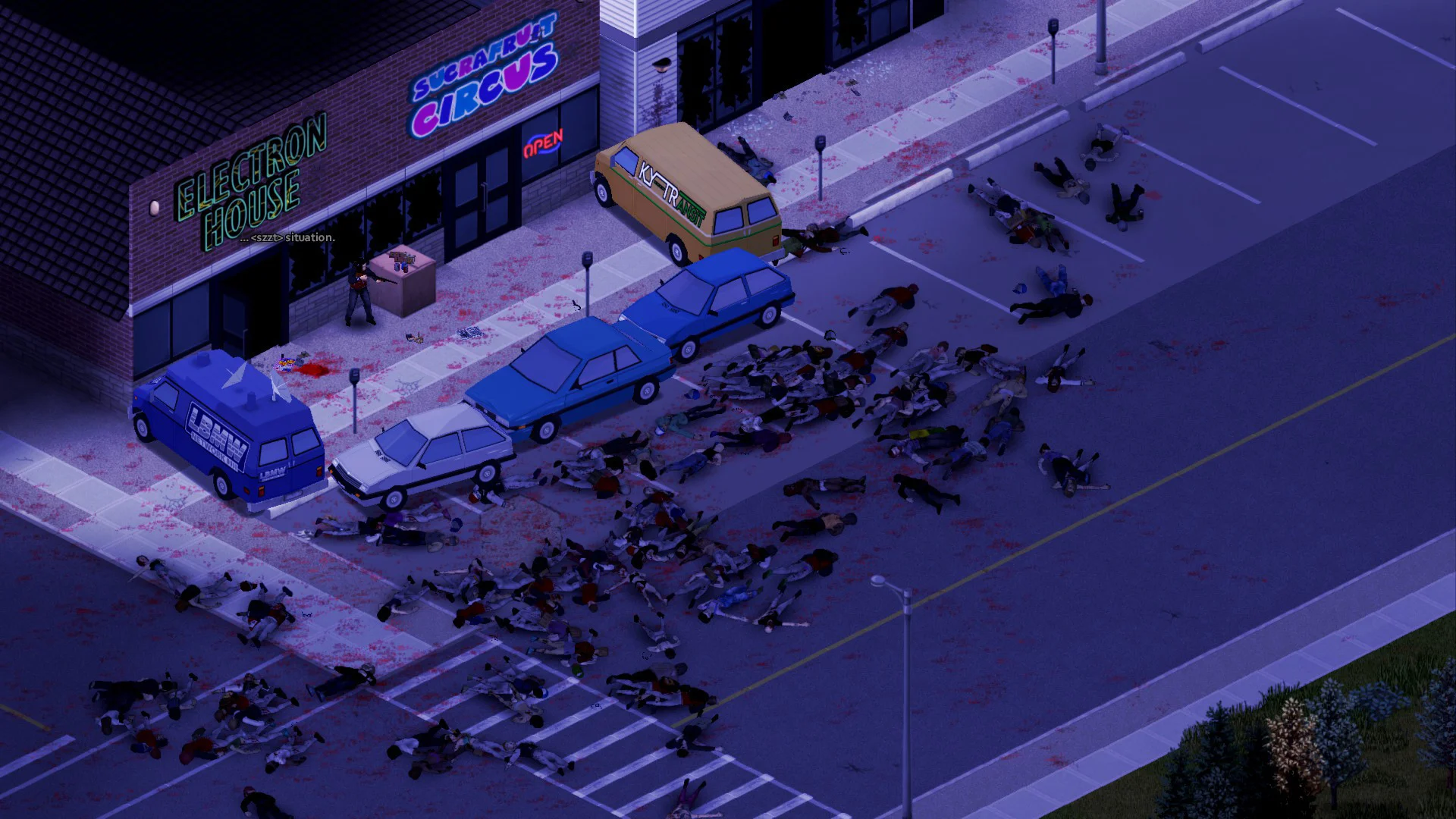
This guide covers common Project Zomboid server issues and how to fix them.
No Space Left On Device
This is a bug that can occur with Project Zomboid, regardless of how much space is left on the server. Resolve this by doing the following:
- Access the GhostCap Panel and
Stopyour server. - Go to
File Manager. - Navigate to
.cache/Server/pzserver.ini. - Find
BackupsOnStartand set it tofalse, then clickSave. Startyour server.
Incompatible Or Conflicting Mods
- Undo your latest changes, this includes removing mods.
- Make sure all of your mods are compatible with the current version of your Project Zomboid server.
- Double-check that your mods aren't missing any dependencies.
- Remove all of your mods.
- Begin testing mods and their dependencies one at a time.
Out Of Memory Crashing
The more mods and the more friends you have connected, the more resources your server will need to run.
You can check the crash logs by going to System > Audit Logs in the panel. If it reports as OutOfMemory True then your server is running out of RAM. If your server is frequently running out of RAM you will need to upgrade your server.
We only recommend upgrading when it's necessary to match the demands of your server.
It's also possible that one of your mods has a memory leak. In that case, you will need to remove mods until you find out which mod is causing the problem.