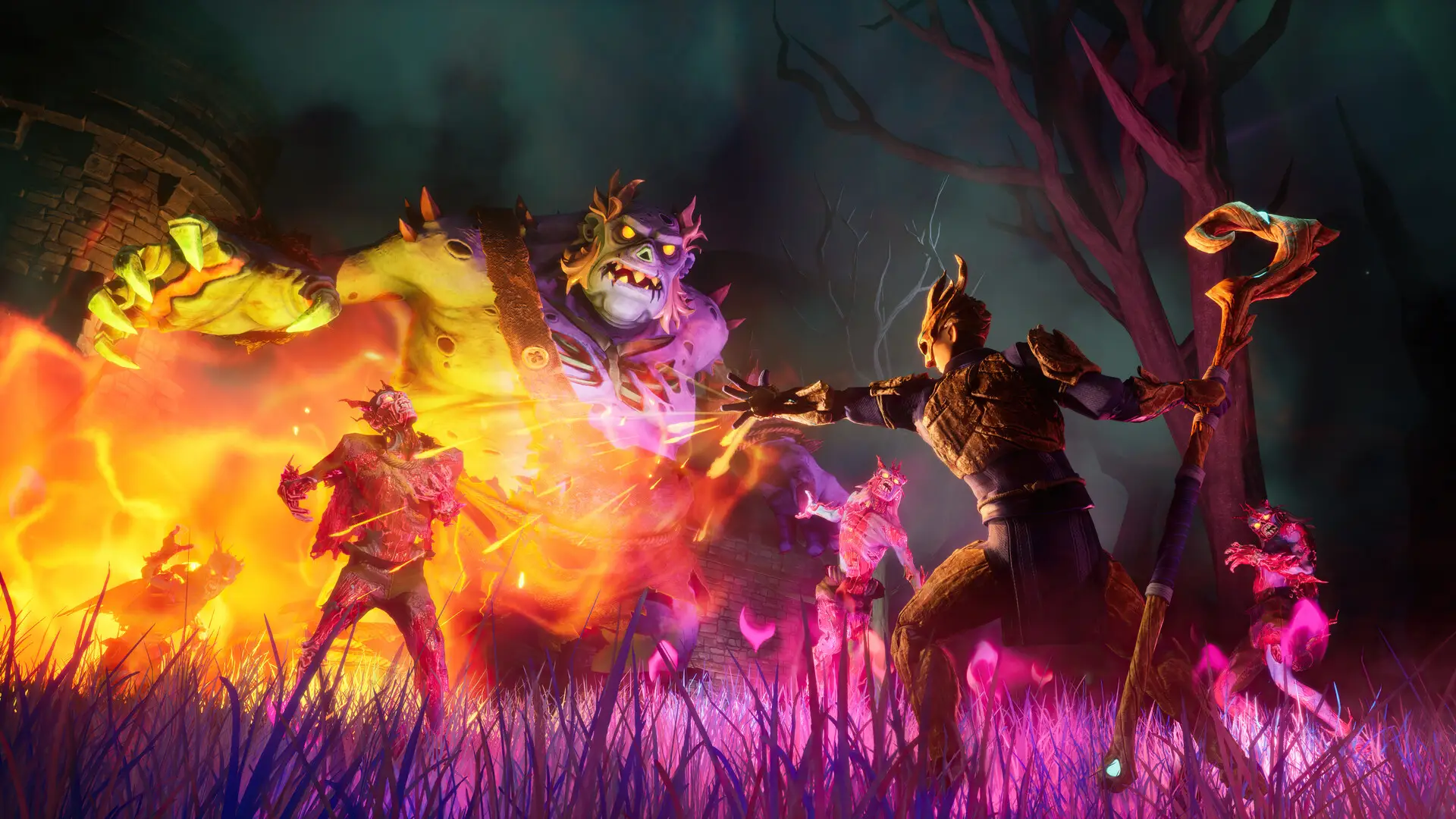
PvP in RuneScape Dragonwilds is configured through the world save file. To enable PvP on your RuneScape Dragonwilds server, you must create a singleplayer save with PvP enabled and upload it to your server.
Enabling PvP
- Open RuneScape: Dragonwilds.
- Create a new singleplayer world.
- In the world settings, under
AdvancedenableFriendly Fire. - Create the world.
- Save and exit the world.
- Follow our Upload Save guide to upload the save to your server.
There is currently no way to toggle PvP directly on the server. It must be configured through a singleplayer save and then uploaded.