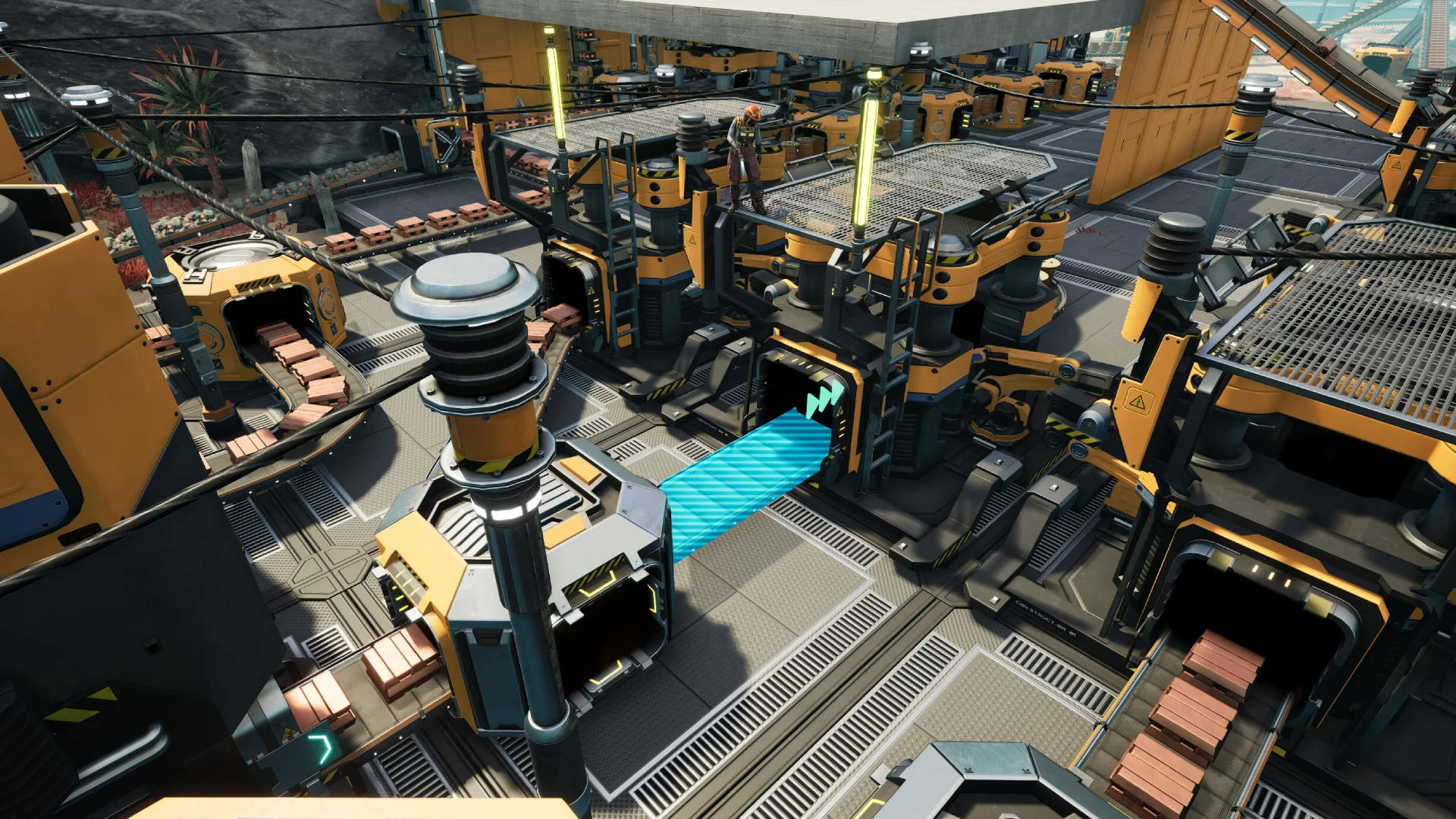
Here's how to enable Game Modes on your Satisfactory server. Game Modes let you modify gameplay settings such as the cost and power consumption multipliers, resource node randomization and purity, and the world seed. This is all handled through the in-game Server Manager rather than the GhostCap Panel.
Caution
Game Modes cannot be modified once a session has been created, so set them up before starting your game.
If you are after free building with no cost at all, see our creative mode guide instead.
Enabling Game Modes
- Open Satisfactory, click
Server Manageron the main menu, and select your server. If you haven't added it yet, follow our connect to your server guide. - Go to the
Create Gametab, enter aSession Name, then clickGame Modes. - Click
Confirmon theEnable Game Modesprompt. - Adjust the available settings as desired.
- Click
Back, then clickStart Gameto create your world.
If you get stuck at any time, GhostCap staff can help you.