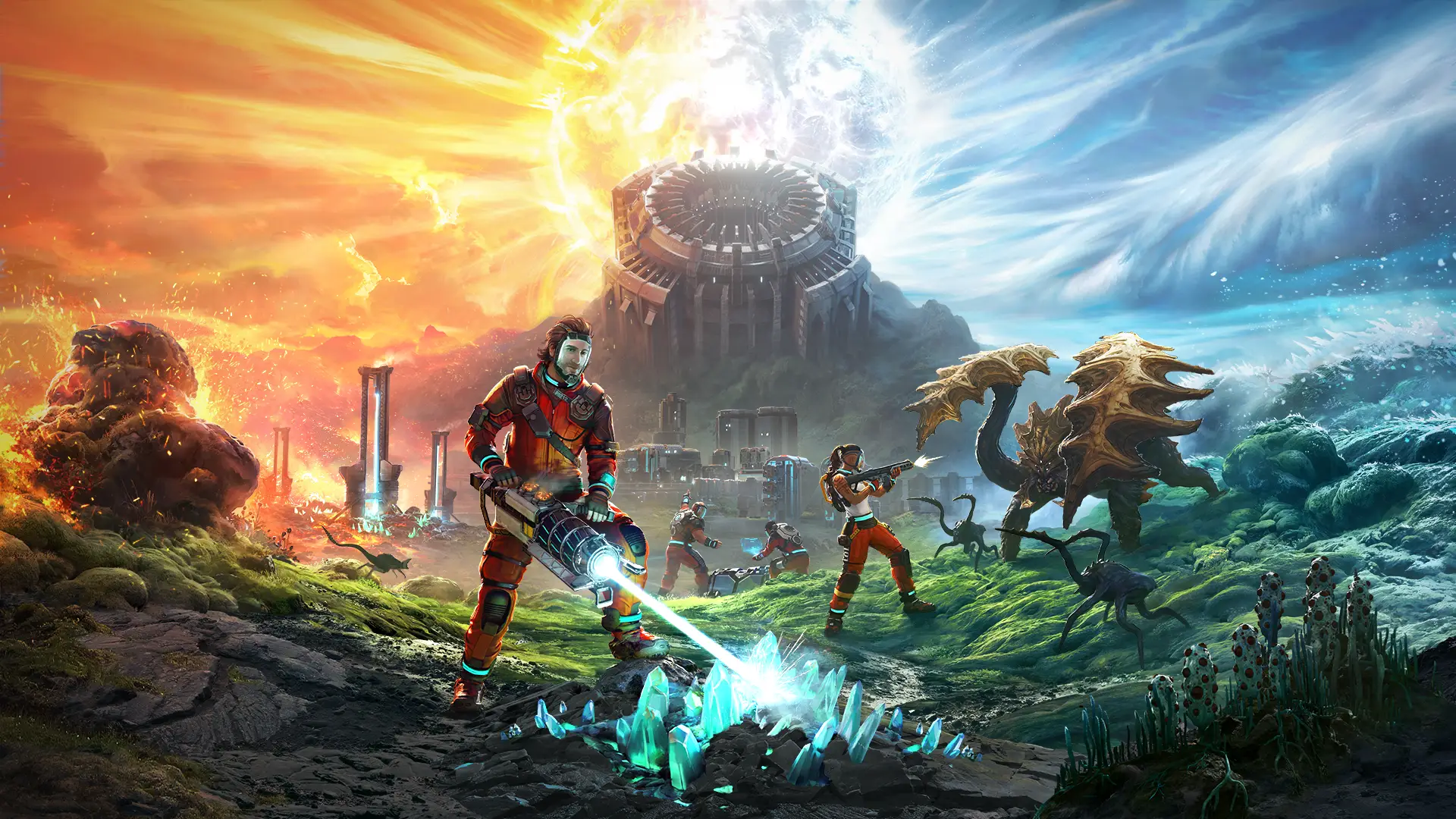
By default, GhostCap StarRupture servers will automatically update whenever a new update releases, ensuring your server is up-to-date in a seamless manner. You can also manually control updates if preferred.
Updating Your StarRupture Server
- Access the GhostCap Panel and select your server.
- Navigate to
Server Optionsin the sidebar. - Locate the
Automatic Updatestoggle and enable it. - Restart your server.
Once enabled, the server will automatically restart and apply updates as they become available.
Troubleshooting: My Server Still Didn't Update
Note
Verify that Automatic Updates is active in Server Options, then manually restart your server to check for pending updates. If problems persist, navigate to File Manager and remove the steamapps folder, then restart.
If these steps don't resolve the issue, reach out to our support team and we'll help you get your server back up and running ASAP.