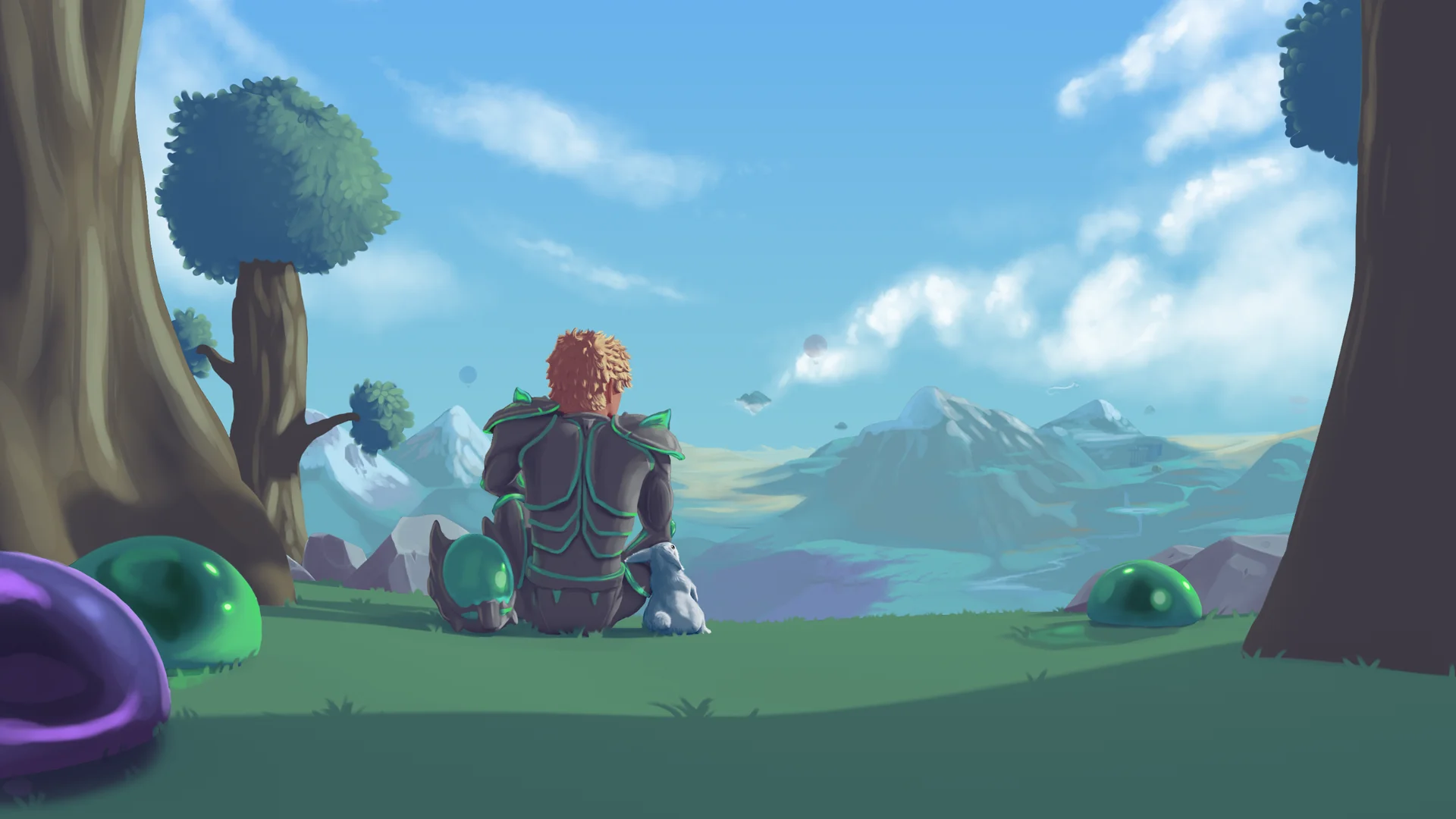
Thorium Mod is a popular "Vanilla+" content pack for Terraria that expands the game while maintaining the core Terraria feel. This guide covers how to install Thorium Mod on your Terraria server.
What Does Thorium Mod Add?
Thorium Mod is a comprehensive content expansion that adds over 2,700 items, three new classes (Thrower, Healer, and Bard), 11 bosses plus 3 mini-bosses, two unique biomes (Aquatic Depths and natural Graveyard), and 10 new Town NPCs. It's designed to integrate seamlessly with vanilla Terraria progression while providing balanced endgame content.
Installing Thorium Mod
Make sure your server is already running tModLoader before following this guide. If you haven't switched yet, check out our Change Version guide to switch to tModLoader.
- Access the GhostCap Panel and
Stopyour Terraria server. - In the sidebar, go to
Server Optionsand select theModstab. - Look for
Workshop Mod IDsand paste the following Workshop ID:2909886416 Startyour server.
Thorium will automatically download and install once your server starts.
For more information, check out the Thorium Mod Wiki.