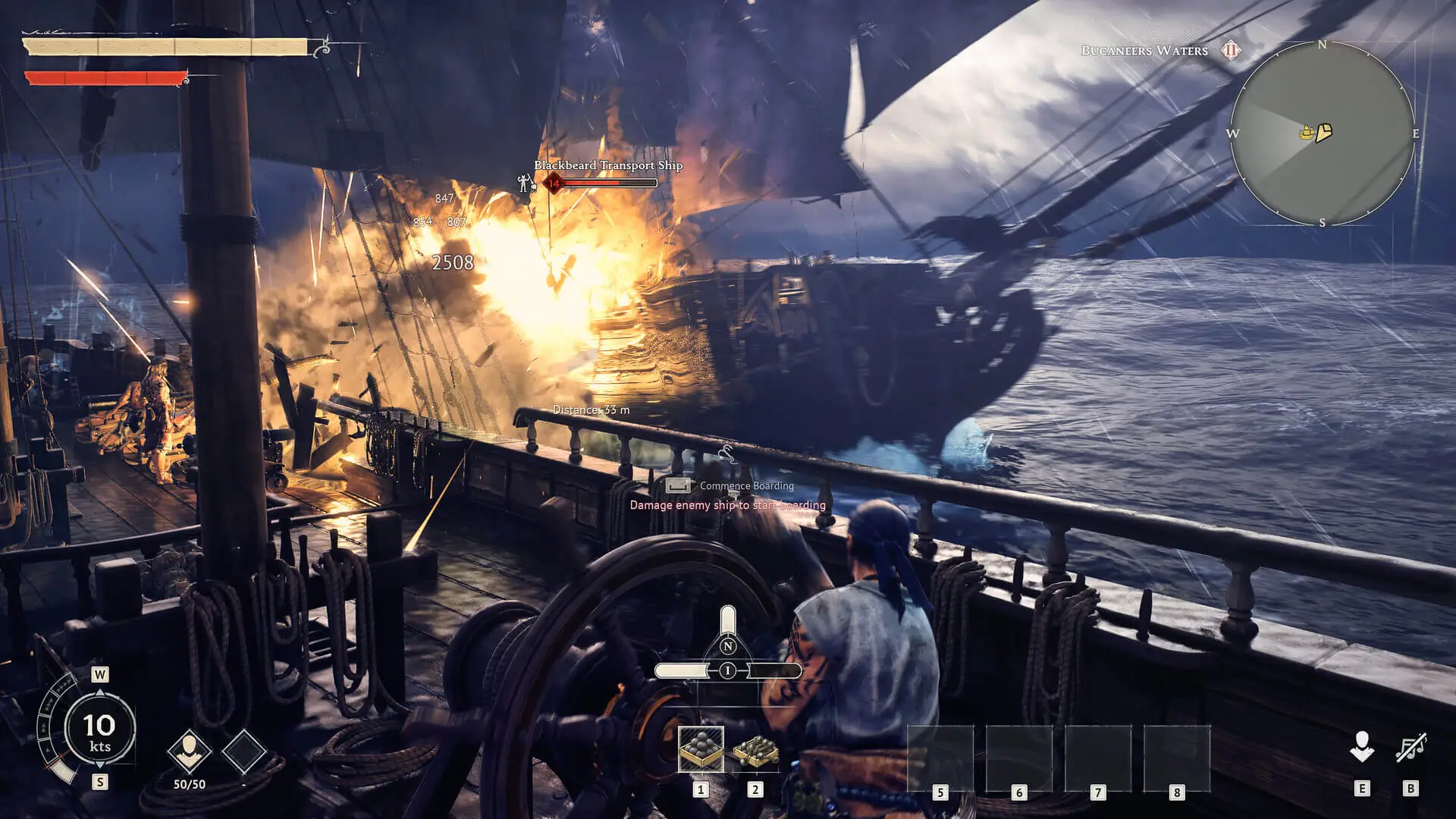
This guide will show you how to configure advanced world settings on your Windrose server, such as enemy difficulty, ship combat modifiers, and co-op scaling. These settings are stored in the WorldDescription.json file inside each world's folder.
Editing Your World Settings
We recommend creating a singleplayer world with your preferred configuration and then uploading it to your server by following our Upload Save guide. However, if you'd prefer to manually edit the settings on your server, follow the steps below.
- Access the GhostCap Panel and
Stopyour Windrose server. - In the sidebar, go to
File Manager. - Navigate to
/R5/Saved/SaveProfiles/Default/RocksDB_v2/[GameVersion]/Worlds/[WorldID]/. - Edit
WorldDescription.jsonand save your changes. Startyour server.
Note
If you add any custom values to WorldSettings, the server will automatically switch your WorldPresetType to Custom on the next launch. To stick with a difficulty preset, leave WorldSettings as default and set WorldPresetType to Easy, Medium, or Hard.
WorldDescription.json Settings
| Setting | Description |
|---|---|
| IslandId | The unique ID of your world. Must match the name of the folder containing this file. DO NOT EDIT |
| WorldName | The display name shown for your world in-game. |
| CreationTime | Internal timestamp for when the world was first generated. DO NOT EDIT |
| WorldPresetType | The difficulty preset applied to your world. Values: Easy / Medium / Hard / Custom |
| WorldSettings | A collection of custom world parameters. Leave this as default unless you're running a Custom preset. |
| CoopQuests | When a player completes a co-op marked quest, it will also complete for all other players who have it active. Values: true/false |
| EasyExplore | Hides map markers for points of interest, making the world harder to explore. The internal name is misleading — this is the legacy code name for "Immersive Exploration". Values: true/false |
| MobHealthMultiplier | Adjusts the health pool of standard enemies. Default: 1.0, Min: 0.2, Max: 5.0 |
| MobDamageMultiplier | Adjusts how much damage standard enemies deal to players. Default: 1.0, Min: 0.2, Max: 5.0 |
| ShipHealthMultiplier | Adjusts the hull health of enemy AI ships. Default: 1.0, Min: 0.4, Max: 5.0 |
| ShipDamageMultiplier | Adjusts the damage output of enemy AI ships. Default: 1.0, Min: 0.2, Max: 2.5 |
| BoardingDifficultyMultiplier | Adjusts the number of enemy sailors players must defeat to successfully board a ship. Default: 1.0, Min: 0.2, Max: 5.0 |
| Coop_StatsCorrectionModifier | Scales enemy health and posture loss rates based on the number of players currently on the server. Default: 1.0, Min: 0.0, Max: 2.0 |
| Coop_ShipStatsCorrectionModifier | Scales enemy ship health based on the number of players currently on the server. Default: 0.0, Min: 0.0, Max: 2.0 |
| CombatDifficulty | Sets the difficulty of boss fights and the aggression level of standard enemies. Values: Easy / Normal / Hard |