
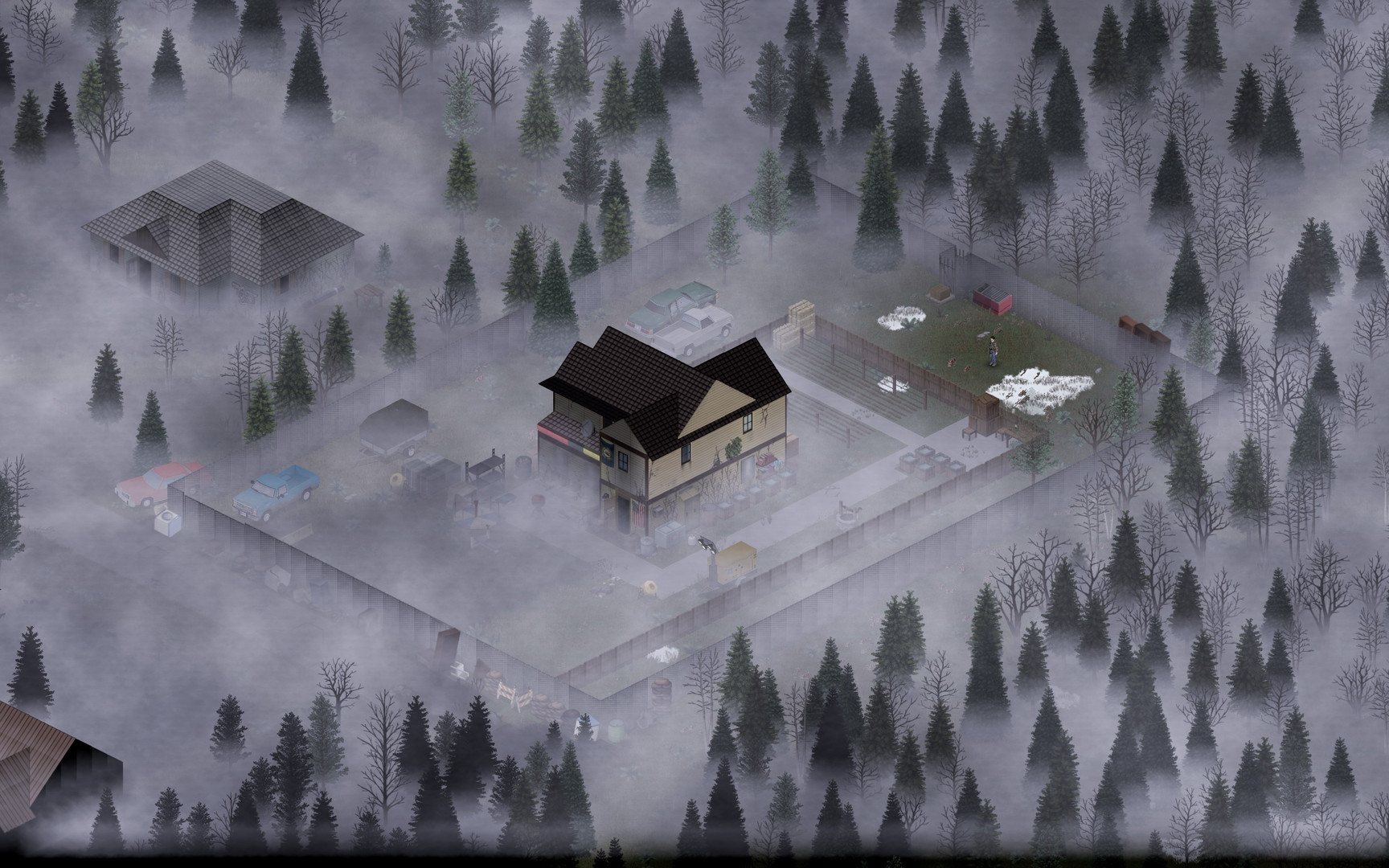
Running a Project Zomboid dedicated server is the best way to play multiplayer with your group. A hosted server stays online 24/7, handles zombie hordes without lag, and lets you run Steam Workshop mods without affecting your own PC's performance.
We've been hosting Project Zomboid servers ourselves and have tested every provider on this list. Below is our honest comparison based on real-world performance, pricing, mod support, and customer service.
Best Project Zomboid Server Hosting Providers
We've tested these providers specifically for Project Zomboid, evaluating their performance during zombie hordes, mod compatibility, and overall stability for long-term survival worlds.
Game Host Bros
Game Host Bros provides budget-friendly game server hosting for popular games.
- Powerful Hardware
- Unlimited Players
- Easy setup
- Good for beginners
- Limited locations
GHOSTCAP
GHOSTCAP offers premium server hosting with cutting-edge Ryzen 9950X hardware.
- Ryzen 9950X hardware
- DDoS protection
- 50% off first order with code GHOST50
- Limited locations
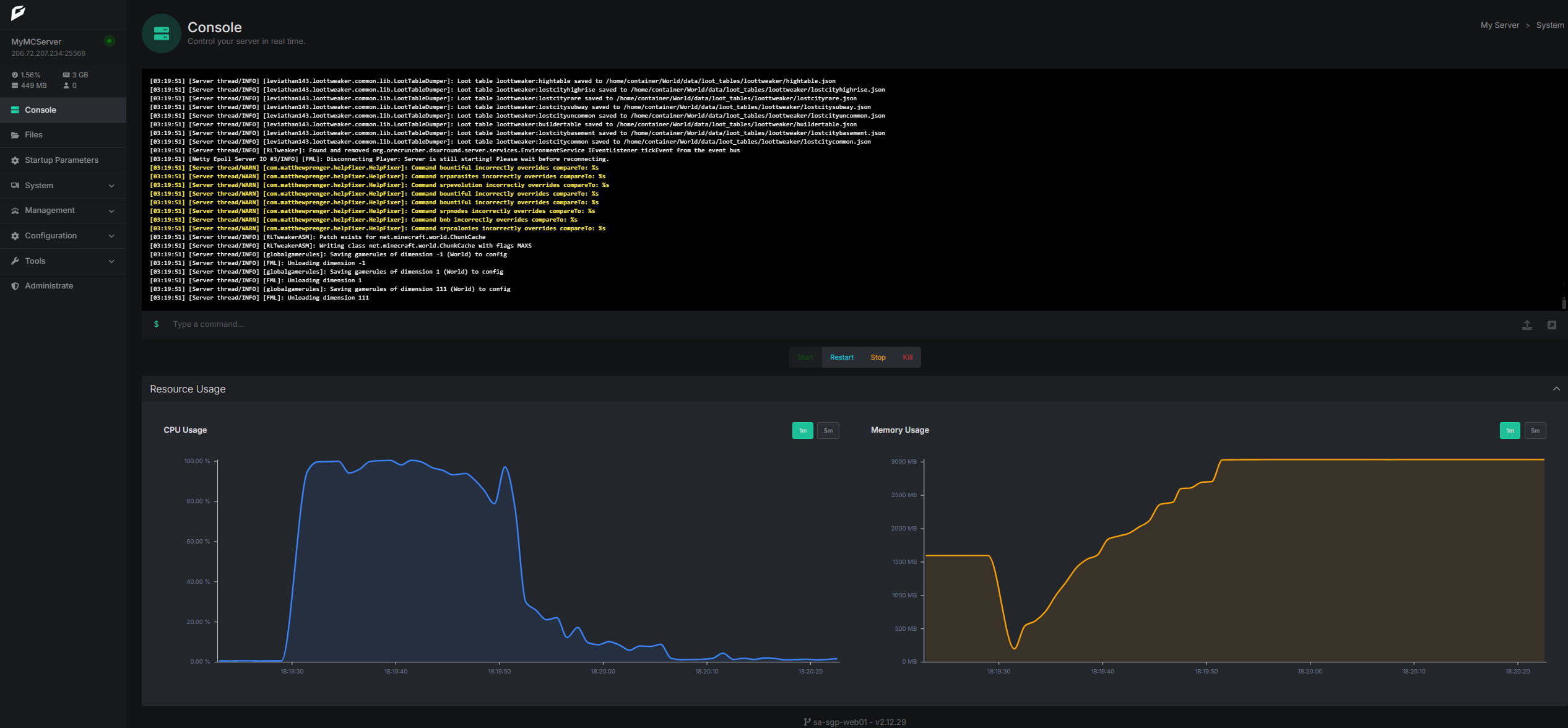
G-Portal
G-Portal is a big name in the hosting world with custom game panel, mod manager, and server backup capabilities.
- Mod support with built-in manager
- Various server locations
- Good customer support
- Custom control panel
- Good hardware
- Limited configuration options
- Support can be slow at times
- Some users report overcrowded servers & instability
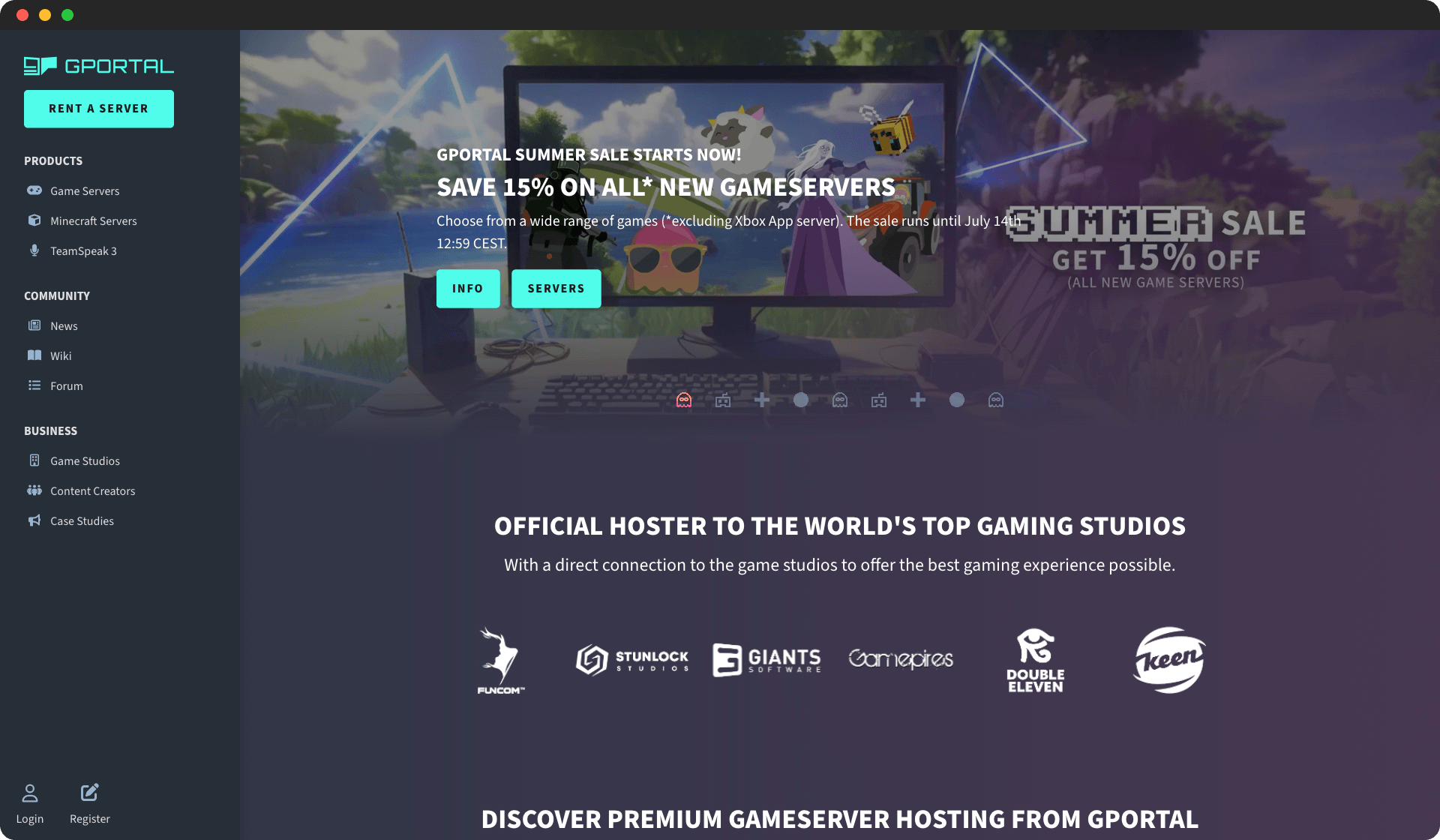
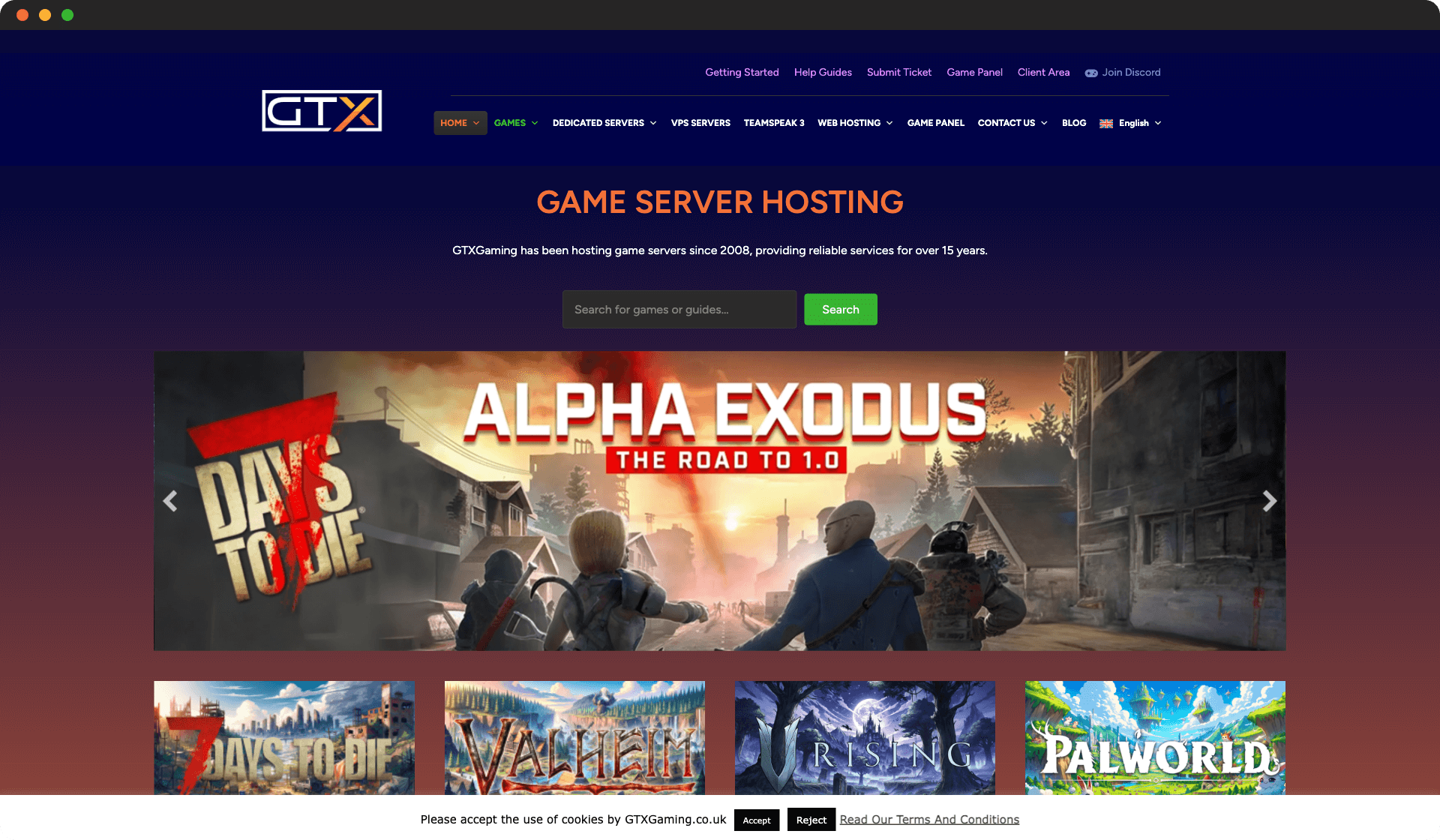
GTX Gaming
GTX Gaming offers game server hosting with strong UK and EU presence.
- Strong EU presence
- Good performance
- Established provider
- Limited US locations
- Interface could be modernized
Nitrado
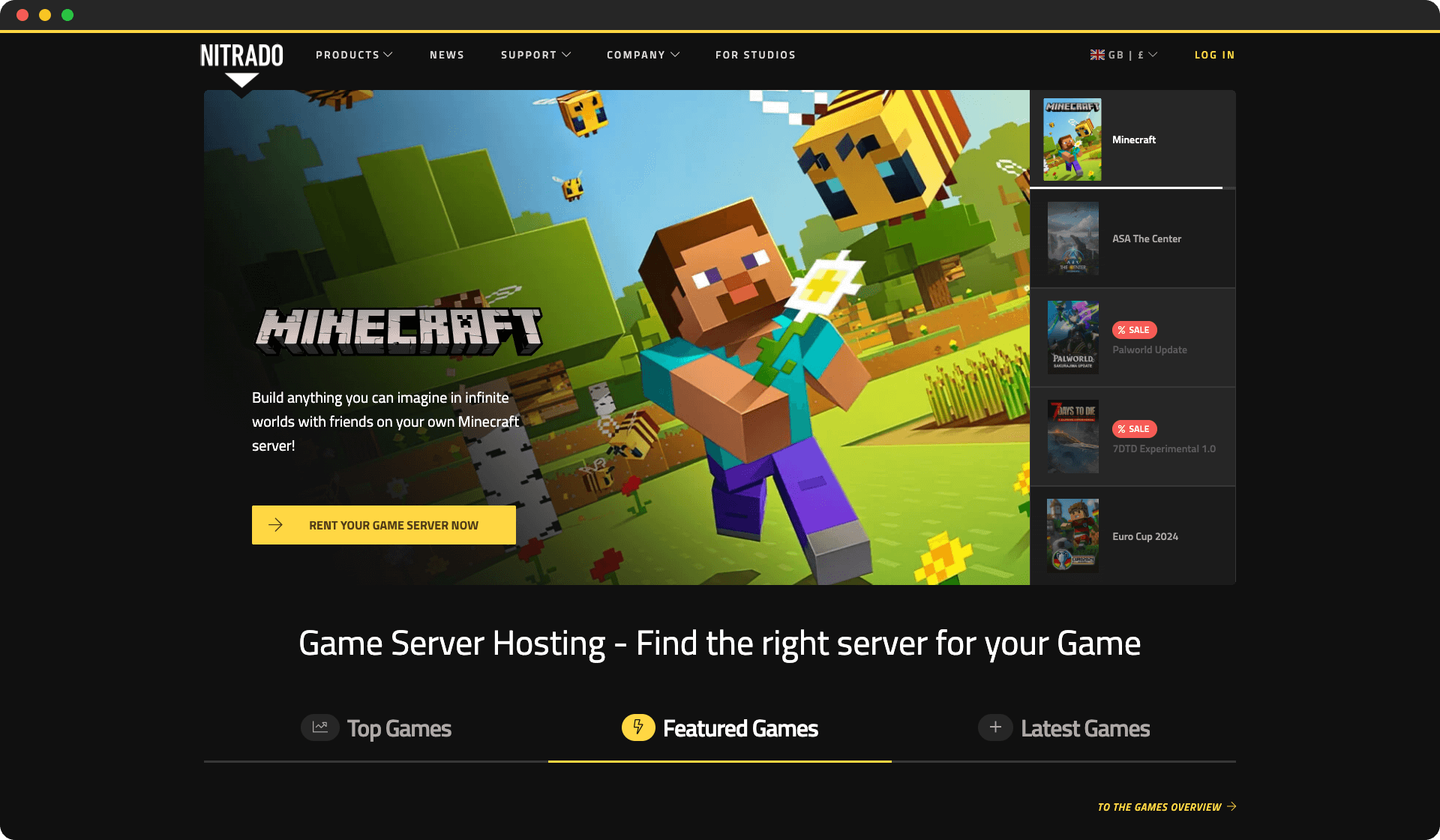
Nitrado is a leading game server provider with extensive game support and global locations.
- Huge game selection
- Global locations
- Professional features
- Complex for beginners
- Premium pricing
Apex Hosting
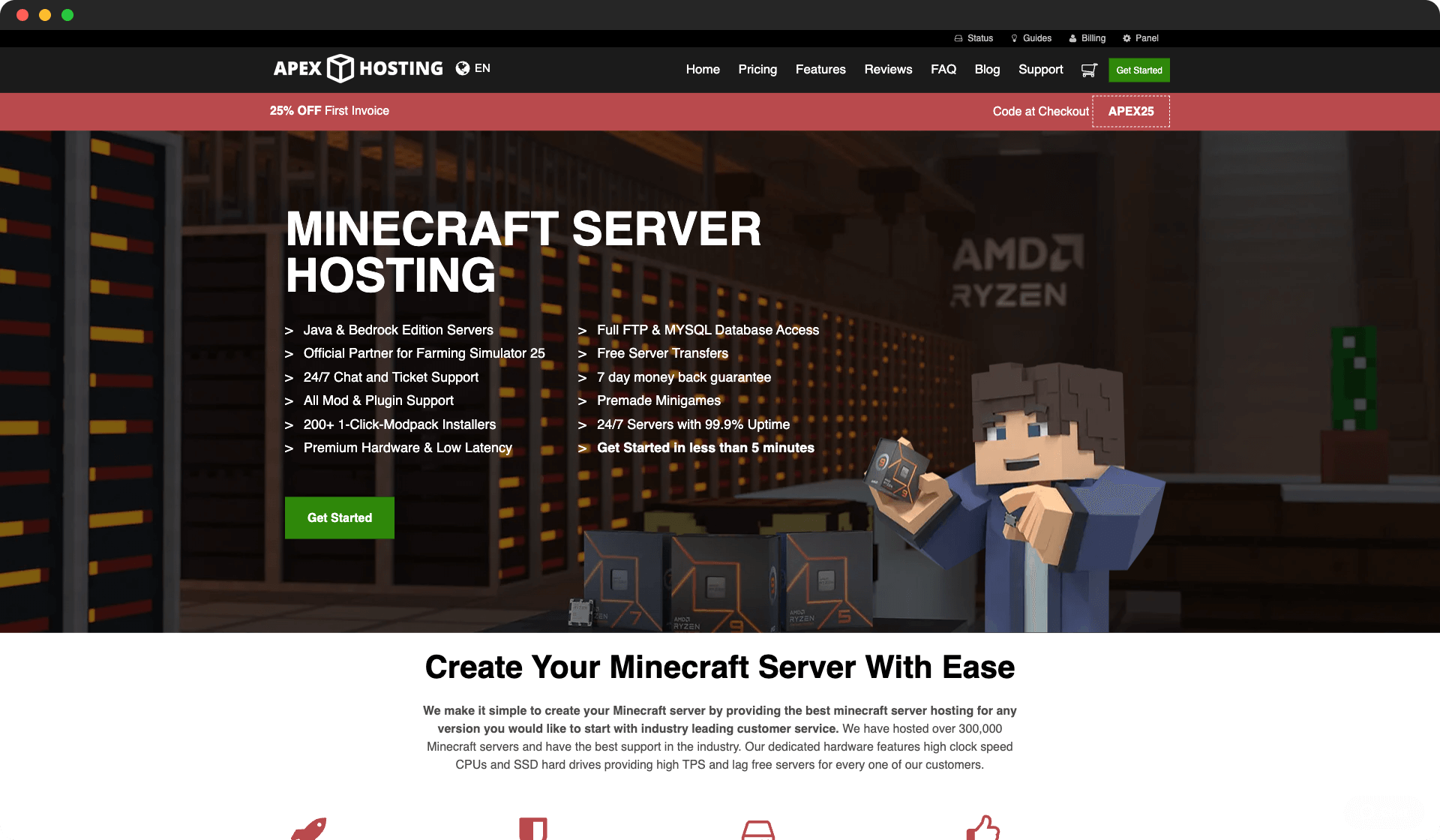
Apex Hosting specializes in Minecraft server hosting with one-click modpack installation and excellent performance.
- One-click modpack installation
- 24/7 customer support
- Automatic backups
- DDoS protection included
- Higher pricing than competitors
- Limited to Minecraft hosting
- No free trial available
Citadel Servers
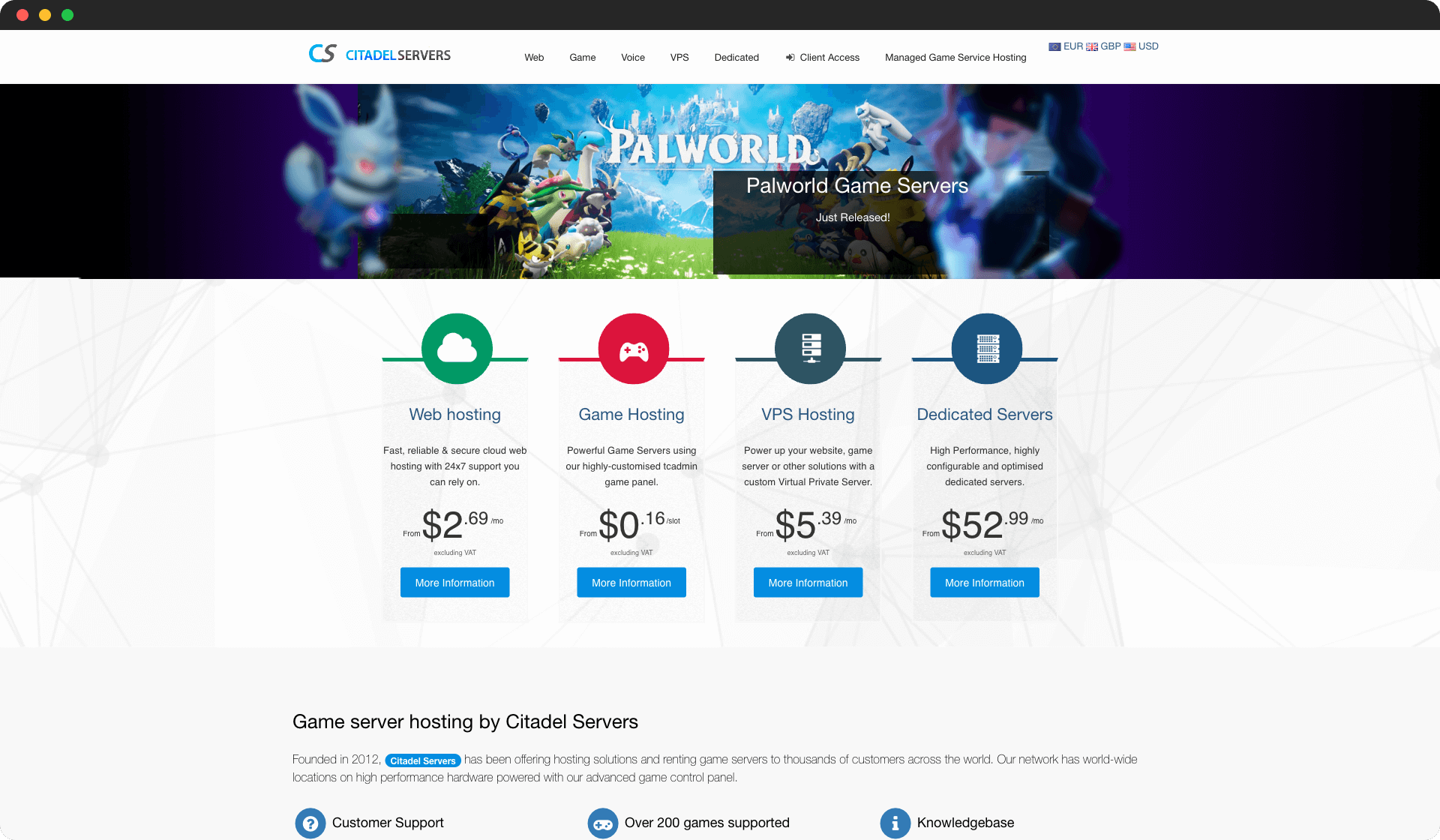
Citadel Servers is a popular game hosting provider frequently recommended on Reddit for sandbox and survival games. They offer reliable performance with competitive pricing.
- Competitive pricing
- Easy mod installation
- Good server performance
- Limited data center locations
- Control panel could be more intuitive
Project Zomboid Server Requirements
Project Zomboid is more resource-hungry than it looks. The game simulates every zombie, item, and structure in the world at all times, which means your server needs solid hardware — especially RAM and storage.
| Component | Minimum (8 players) | Recommended (16-32 players) | Large (32-64 players) |
|---|---|---|---|
| CPU | 2 cores @ 3.0GHz | 4 cores @ 3.5GHz | 6+ cores @ 4.0GHz |
| RAM | 4GB DDR4 | 8GB DDR4 | 16GB DDR4 |
| Storage | 30GB SSD | 50GB NVMe SSD | 100GB NVMe SSD |
| Network | 100Mbps | 1Gbps | 1Gbps |
Why RAM matters so much: Project Zomboid's persistent world keeps everything in memory. As players explore more of the map, the server needs more RAM. A world with 32 players that's been running for weeks can easily use 12GB+ of RAM.
Why storage grows over time: Unlike games that reset maps, PZ worlds accumulate data. Every building looted, every zombie killed, every base built — it all gets saved. Plan for your world save to grow by several GB per month.
How to Choose a Project Zomboid Server Host
Mod Support
Project Zomboid has one of the best modding communities in survival gaming. Most players run mods like Brita's Weapon Pack, Expanded Helicopter Events, or Superb Survivors. Your host needs to support Steam Workshop integration so mods install automatically when you add them.
All providers on our list support Workshop mods, but some make it easier than others. Game Host Bros and GhostCap let you add mod IDs directly from the control panel. Others require manual file uploads.
Server Location
PZ is sensitive to latency because of its real-time zombie AI and multiplayer sync. Choose a server location close to where most of your players are. If you're in Australia, Citadel Servers offers Sydney hosting. For US and EU, most providers have multiple locations.
Backup and Save Management
Your PZ world is persistent and irreplaceable. If the server crashes or something corrupts, you could lose weeks of progress. Look for providers that offer automated daily backups with easy restore options.
Player Slots and Scalability
Start with what you need, but make sure you can upgrade. A 16-player server is fine for a friend group, but if your community grows you'll want to scale up to 32 or 64 players without migrating your world to a new provider.
How to Set Up a Project Zomboid Dedicated Server
Most hosting providers handle the initial setup for you, but here's what the process looks like:
- Choose your plan — Pick a provider and select your player count and server location.
- Configure server settings — Set your server name, password, map, and sandbox settings through the control panel.
- Add mods — Enter your Steam Workshop mod IDs in the server config. The server downloads them automatically on restart.
- Share connection details — Give your players the server IP and port so they can connect through the in-game server browser or direct connect.
- Set up admins — Add admin permissions for trusted players who can kick, ban, and manage the server.
If you'd rather host it yourself on your own hardware, check out our guide on how to make a Project Zomboid server.
Conclusion
Project Zomboid's persistent world and deep survival mechanics make server hosting more important than in most games. A crash or performance issue doesn't just ruin a session — it can wipe weeks of progress.
For most players, Game Host Bros offers the best overall experience with easy mod management and reliable performance. If you're on a budget, GhostCap runs on Ryzen 9950X hardware at competitive prices. For large communities, G-Portal has the infrastructure to handle 64+ player servers.
For more survival game hosting options, check out our guides on 7 Days to Die server hosting, Valheim server hosting, and Enshrouded server hosting.